
Googlebook vs Lapdock: Why We Are Still Not Switching (2026)
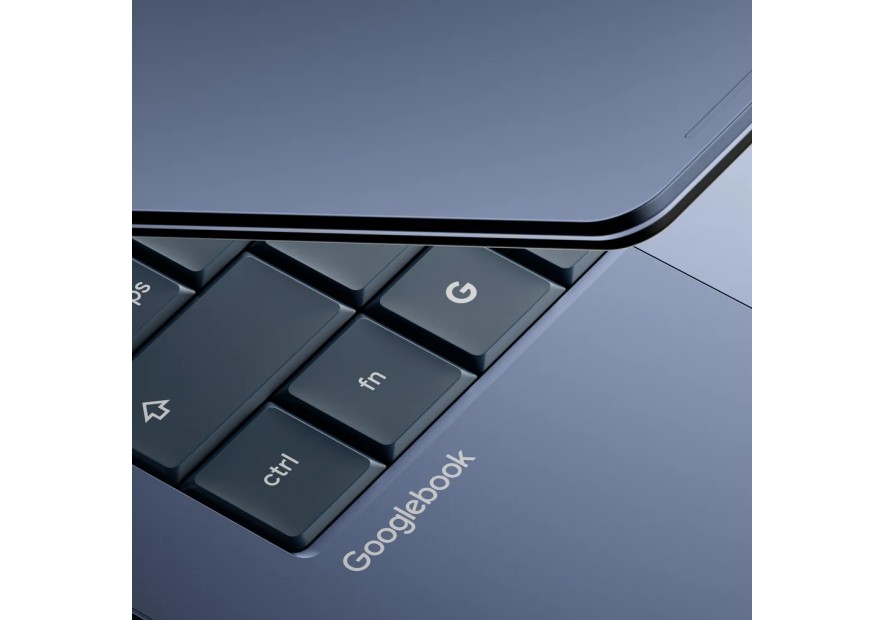
Google announced the Googlebook yesterday, and we spent the last 24 hours reading everything about it. It is genuinely impressive. An Android-powered laptop built around Gemini, a glowing hardware accent called the Glowbar, and deep phone integration. It is the Chromebook's smarter, braver successor, and it is coming this fall with Dell, HP, Lenovo, ASUS, and Acer.
We still would not trade our lapdock for one. Here is why.
What Is the Googlebook, Exactly?
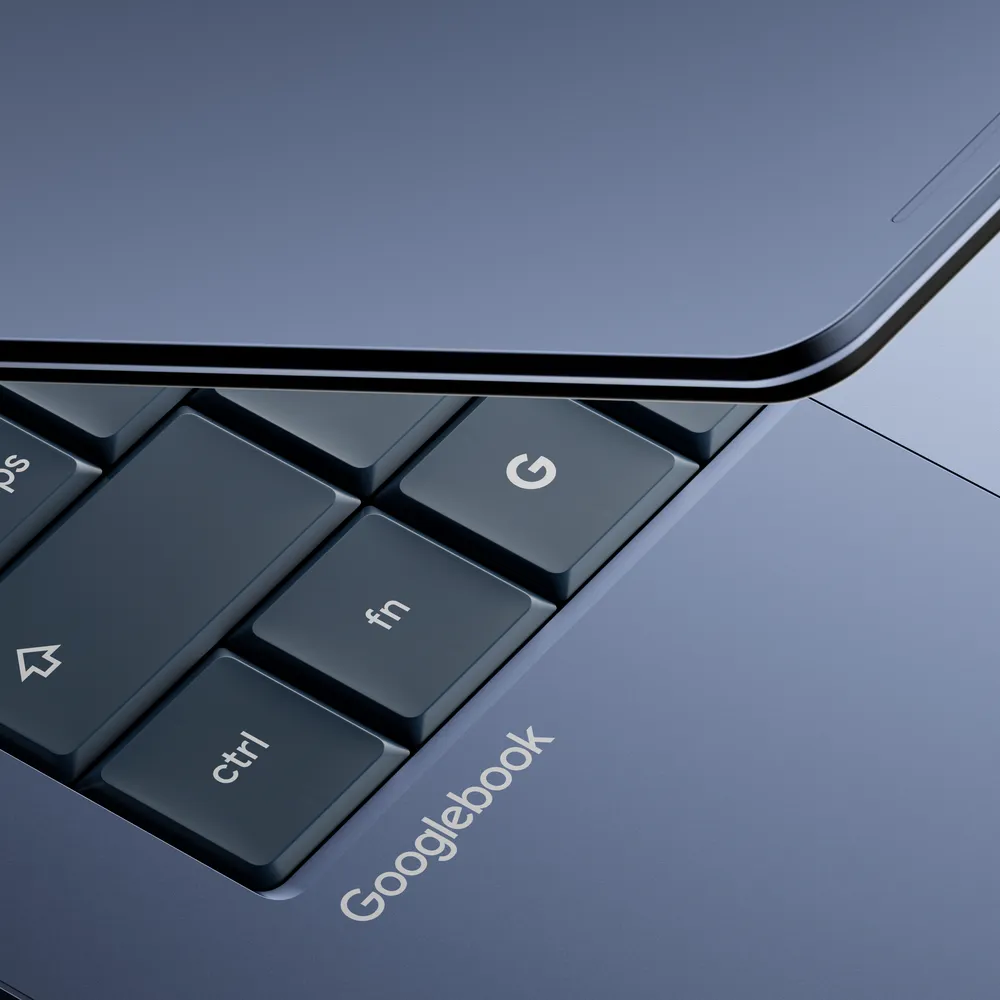
The Googlebook is Google's new laptop platform, announced May 12, 2026. It runs Android with Gemini AI at its core and is designed as the spiritual successor to the Chromebook — but more ambitious, more premium, and more aware that the world has moved on from Chrome OS.
The headline features are genuinely clever. Magic Pointer turns your cursor into an AI assistant — wiggle it and Gemini surfaces contextual suggestions based on what is on your screen. Quick Access lets you browse and insert files from your Android phone directly through the laptop's file browser, no cable needed. Cast My Apps streams your phone apps to the laptop screen without downloading anything. Custom Widgets lets Gemini build personalized dashboards from a simple text prompt.
On paper, it sounds like a laptop that finally understands it lives in an Android world. And it does. But that is also exactly what makes it so interesting to compare against a lapdock.
The Fundamental Difference
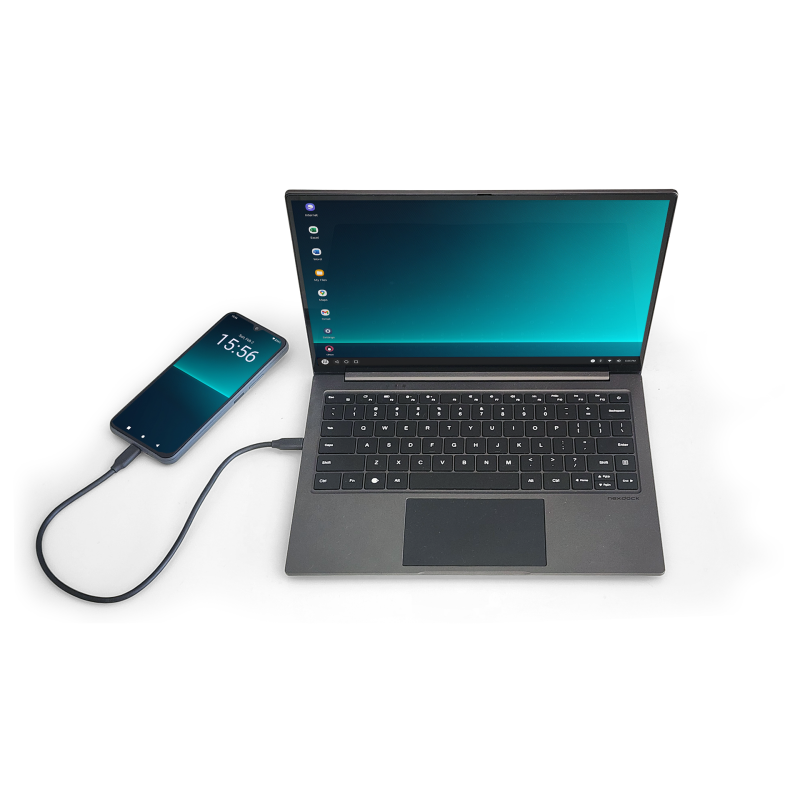
The Googlebook is a computer that can talk to your phone. A lapdock is a screen and keyboard that lets your phone be the computer.
That difference sounds small. It is not.
With a Lapdock, Your Data Is Already There
Every photo, every document, every app, every message, every password — it is all on your phone, right now, without any syncing, streaming, or cable management. When you plug your Samsung Galaxy into a NexDock or a MiraBook, you are not connecting two devices. You are just giving your phone a bigger screen and a proper keyboard.
The Googlebook's Quick Access feature is a clever workaround for exactly this problem. It lets you pull files from your phone wirelessly. But it is still a bridge between two separate devices in two separate states. At some point, you will have saved something on the wrong one. You will open the laptop, realise the file you need is only on the phone, and spend a minute sorting it out. Everyone does.
With a lapdock, there is no sync. There is no bridge. There is one device, and it is the one in your pocket.
Native 5G — Not a Hotspot
This is the one that does not get talked about enough. Your phone has a real 5G modem. A proper antenna, a proper radio, a proper carrier plan.
The Googlebook, like every other laptop, will either be WiFi only or ship with an optional 5G module at extra cost and often on a separate data plan. When you use a lapdock like the NexDock 2026, you are online through your phone's connection — natively, instantly, with no hotspot tax and no tethering menu to navigate. You plug in, you are working, full 5G throughput.
Traveling internationally? Your phone's roaming plan covers you automatically. With a separate laptop, you are back to hunting for WiFi or juggling eSIM configurations. This alone, for frequent travelers, is reason enough to choose a lapdock.
The Gemini Argument Actually Favors the Lapdock
Google is selling the Googlebook largely on Gemini — Magic Pointer, contextual suggestions, widgets built from prompts. It is compelling marketing.
But Gemini runs on your phone too, and has for a while. Samsung DeX already integrates with Google's AI tools. When you use a lapdock with a recent Samsung flagship, you already have Gemini running on hardware that is refreshed every year — far more often than a laptop. The Googlebook is not adding AI to your life. It is adding it to a second device you now have to carry, charge, and update.
One Device. Not Two.
The Googlebook weighs something. It needs its own charger. Its own storage. Its own operating system updates. Its own battery. When it runs out, it is dead — your phone might still have 60% left, but the Googlebook does not care.
A lapdock is a shell. Screen, keyboard, touchpad, battery, USB-C port. When you leave the house with a NexDock in your bag, the computer is the phone in your pocket. The lapdock is just the interface.
This is the Mobile-Only principle, and no laptop — however clever — changes it: the best computer you have is the one that is always with you, always connected, and already has everything on it.
Who the Googlebook Is Actually For
Let us be fair. The Googlebook will be excellent for people who live in Google Workspace, work across multiple devices, need a standalone processor for heavy tasks, or do not have a flagship Android phone. It is a strong product and we expect the Dell and HP versions to offer genuinely good hardware.
But it is clearly positioned against the MacBook, not against the Mobile-Only community. Google is selling to the person who currently owns a Windows laptop or a MacBook and wants to stay in the Android ecosystem. A smart move on their part — just not who we are building this store for.
Ready to go Mobile-Only?
The NexDock 2026 is the best lapdock available today — sharp screen, solid build, improved trackpad, and native 5G through your phone. Everything the Googlebook promises to connect to, the NexDock already is. See the NexDock 2026 →
Our Take
The Googlebook proves that even Google now accepts that the phone is the primary computer. Their answer is to build a laptop that works around that fact. Our answer is to remove the laptop entirely.
If the Googlebook gets you curious about working from your Android phone — that is exactly the right instinct. Just know that a lapdock gets you there faster, cheaper, more connected, with native 5G, and with everything already on the device you carry every day anyway.
The Googlebook launches this fall. We will test one when it ships. But we already know what we would rather carry.