

Guarantee
Hai 14 giorni di tempo per restituire il prodotto se non sei soddisfatto.

Hai 14 giorni di tempo per restituire il prodotto se non sei soddisfatto.
Payment Security
Collaboriamo con i migliori partner di pagamento per garantire transazioni sicure al 100%.

Collaboriamo con i migliori partner di pagamento per garantire transazioni sicure al 100%.
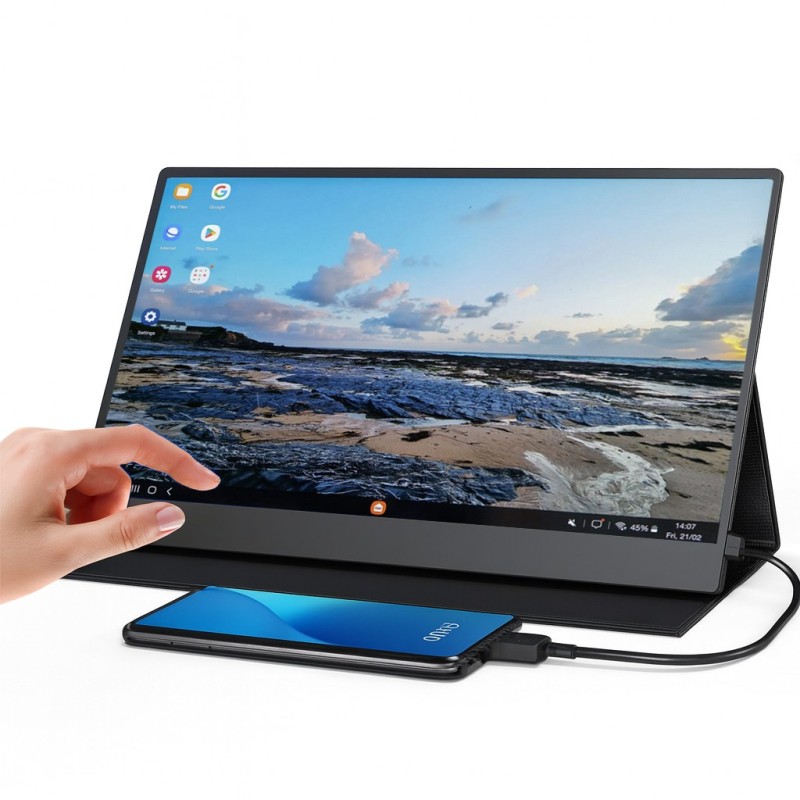
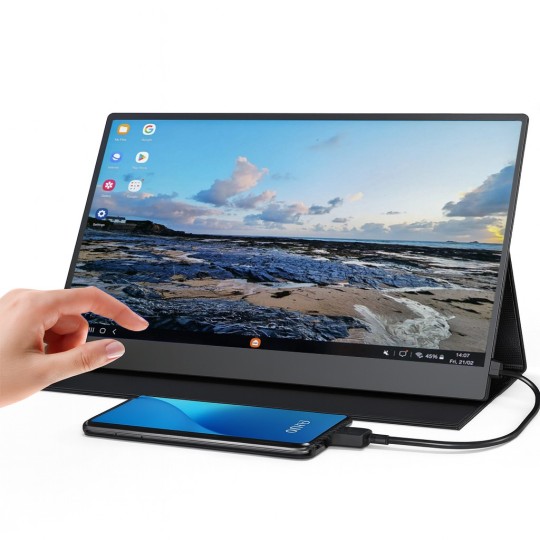
E se il tuo smartphone potesse alimentare un touchscreen Full HD da 15,6 pollici in pochi secondi? È esattamente quello che fa l'Uperfect DisplayDock — collega il tuo telefono e hai immediatamente un grande schermo touch reattivo. Senza tablet. Senza PC.
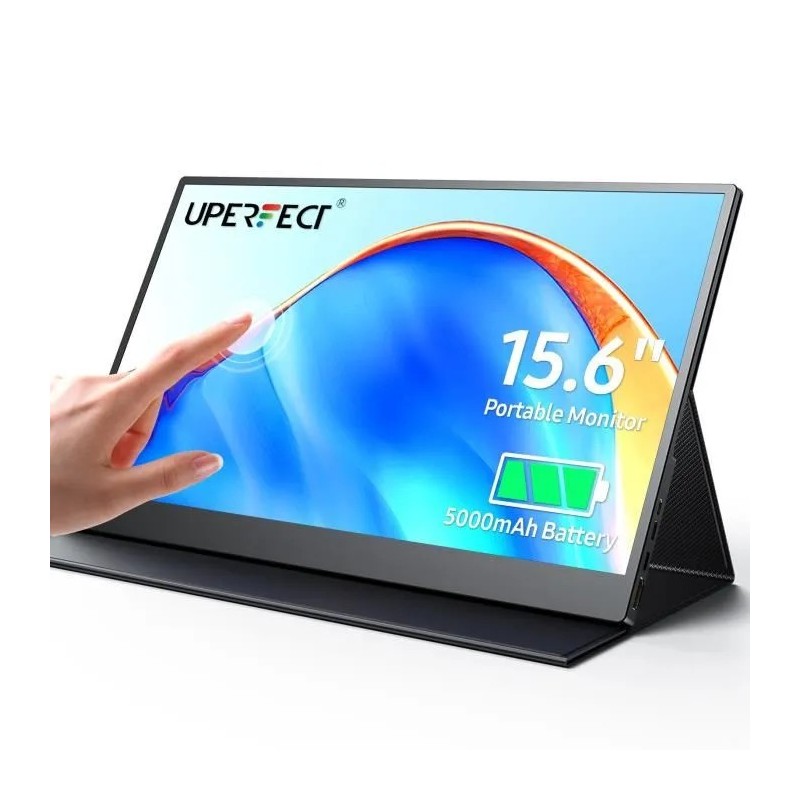
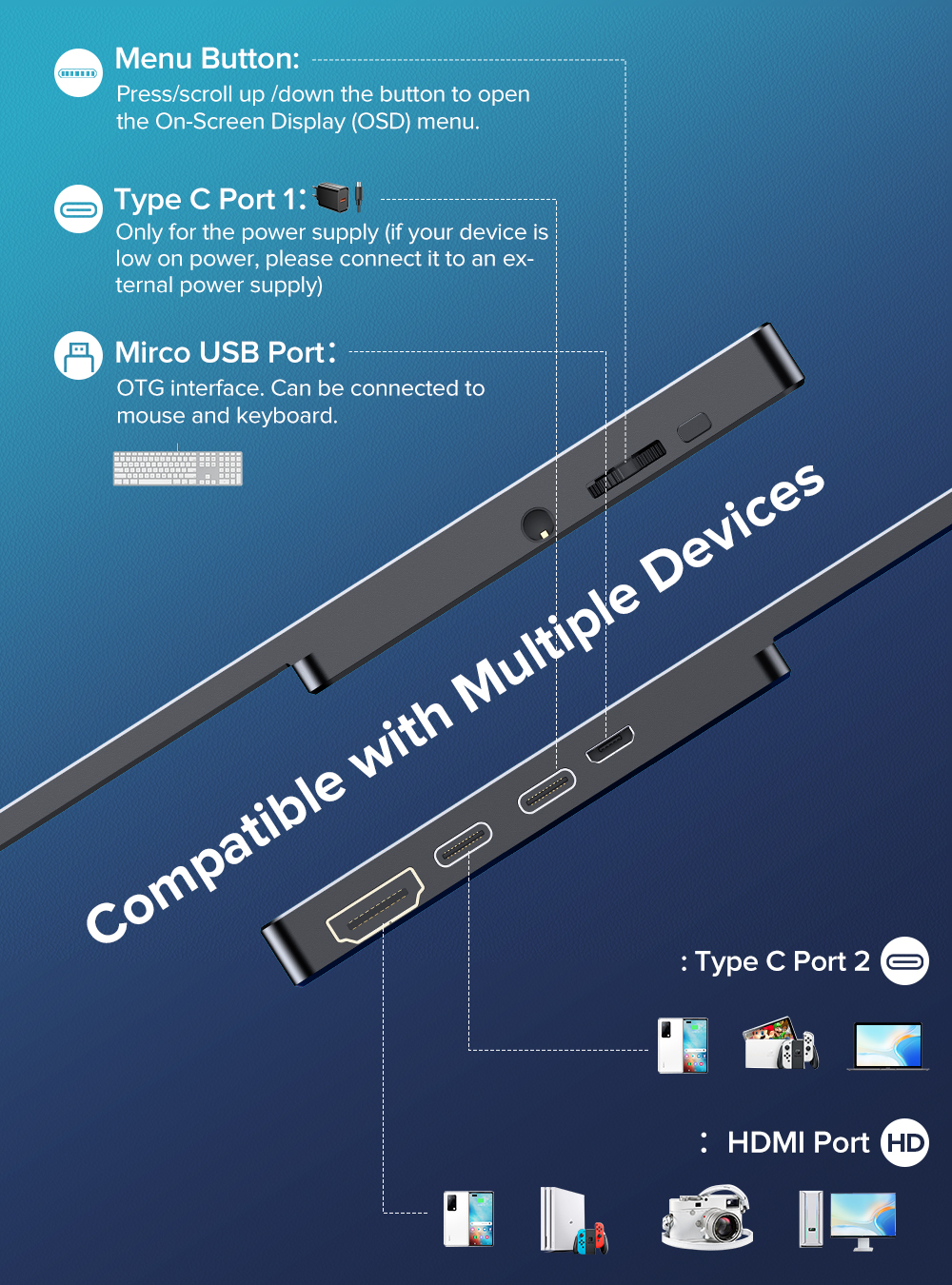
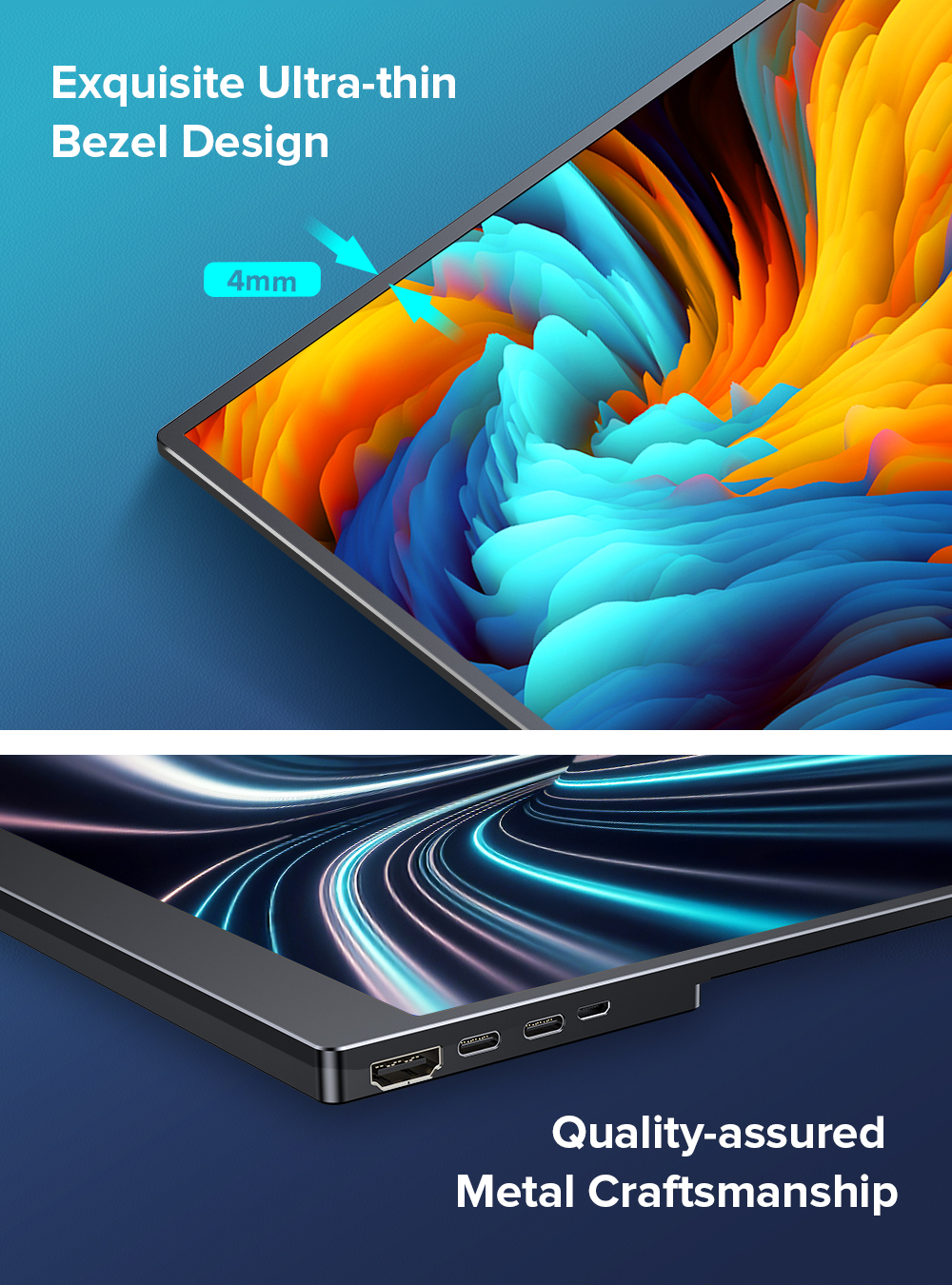
Il DisplayDock Uperfect 15,6" è un monitor touch portatile progettato per Samsung DeX, la Modalità Desktop Android e gli utenti mobile che vogliono un'esperienza grande schermo ovunque. Un singolo cavo USB-C gestisce contemporaneamente video, dati touch e ricarica del telefono.
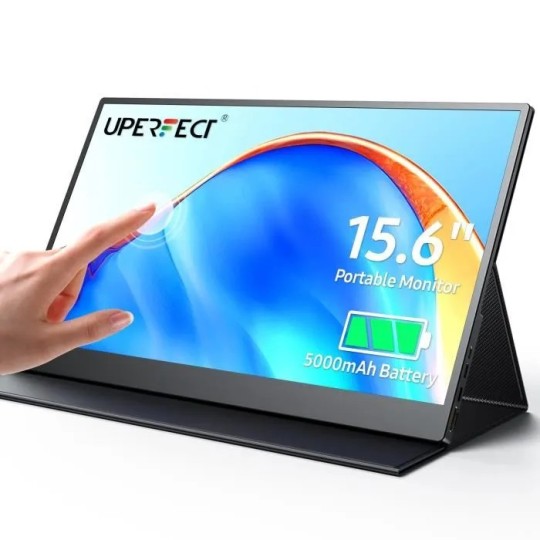
A differenza dei normali monitor portatili, l'Uperfect DisplayDock è touch-enabled. Mantieni l'intuitività del touch su una superficie 5 volte più grande del tuo telefono. Samsung DeX supporta nativamente i display touchscreen — finestre, navigazione e scorrimento funzionano con le dita, senza mouse.
| Dimensione schermo | 15,6 pollici |
|---|---|
| Risoluzione | 1920 x 1080 (Full HD) |
| Tipo pannello | IPS |
| Touch | Multi-touch capacitivo 10 punti |
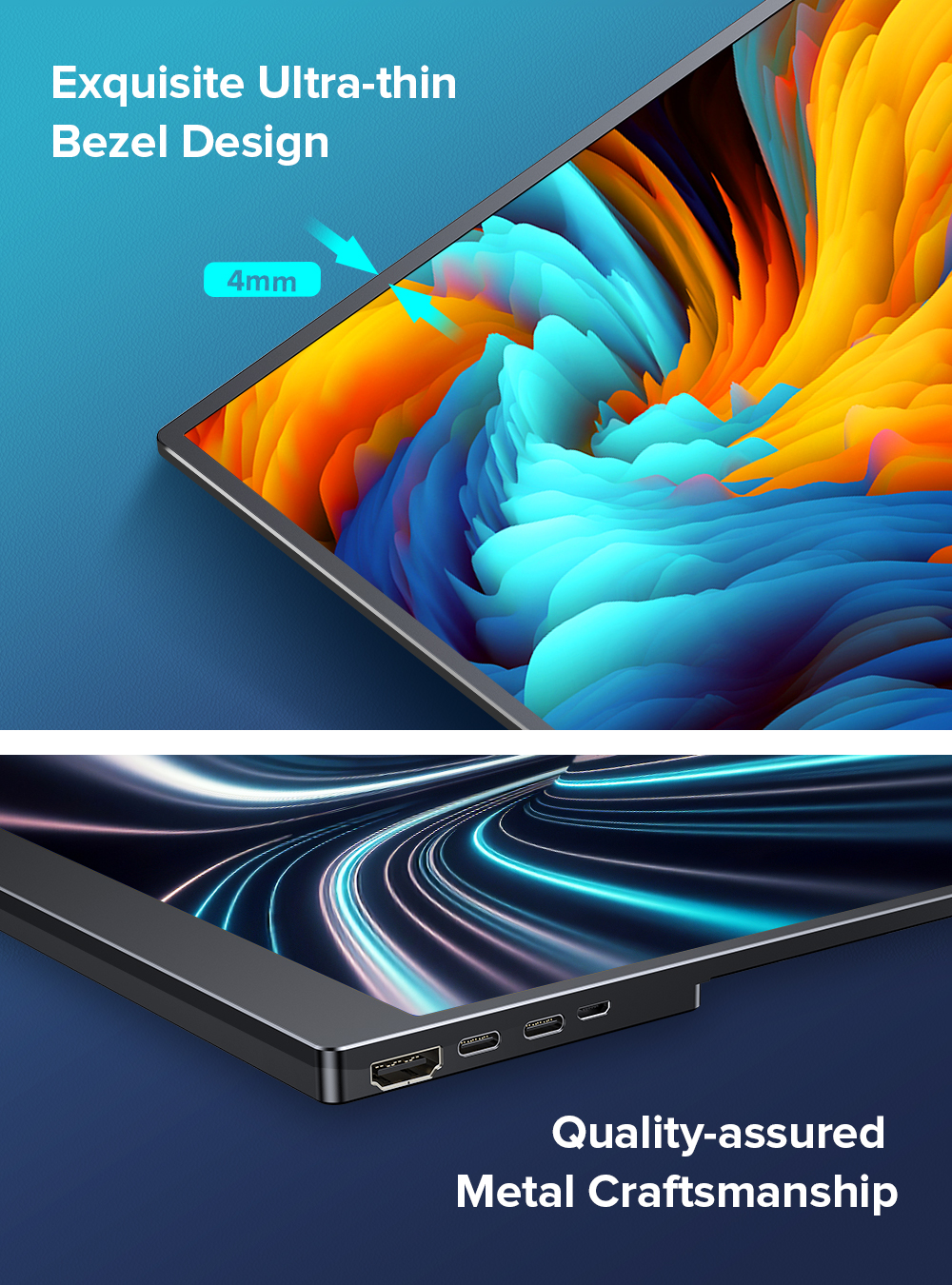
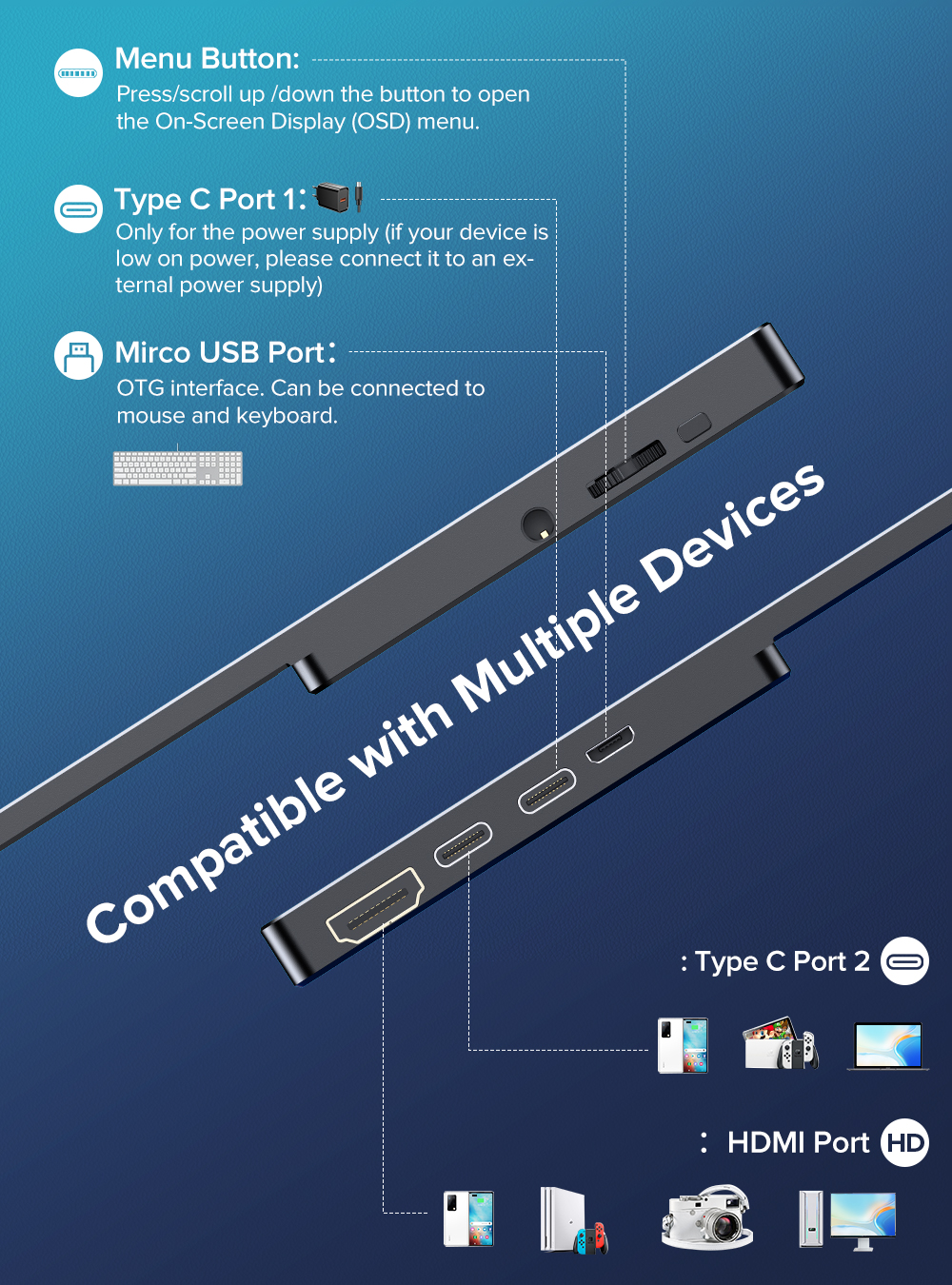
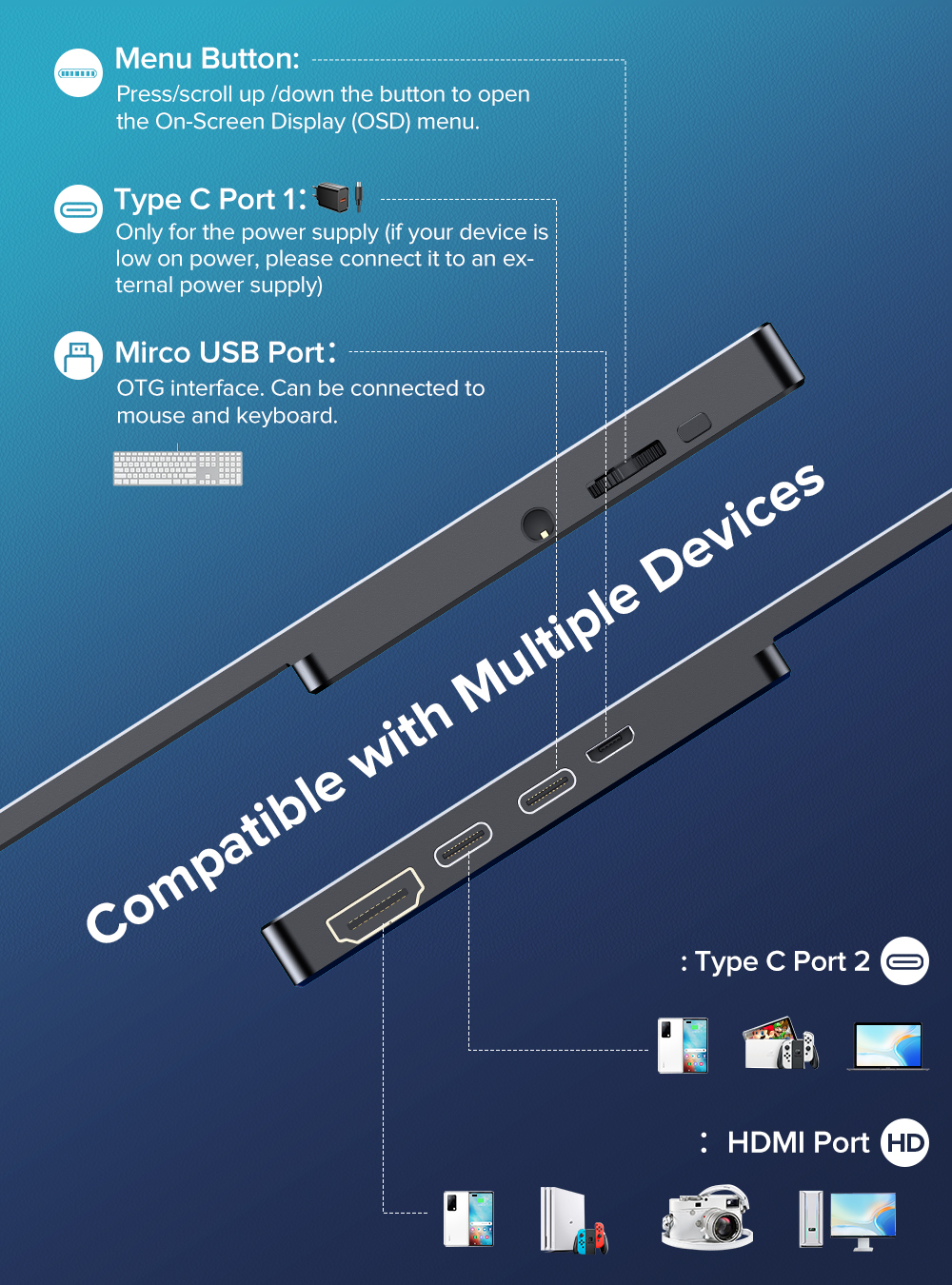
| Connettività | USB-C (video + touch + alimentazione), Mini HDMI |
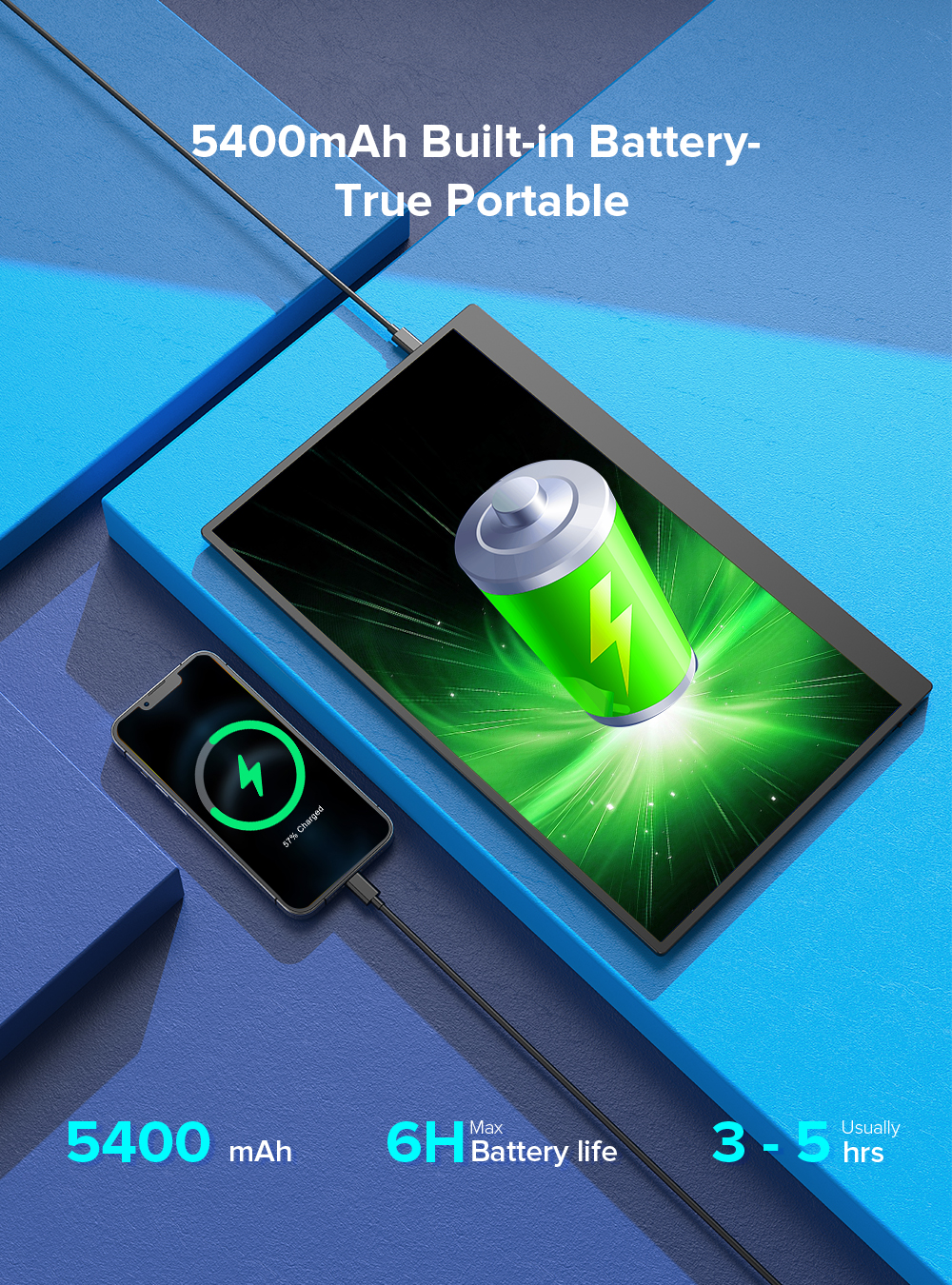
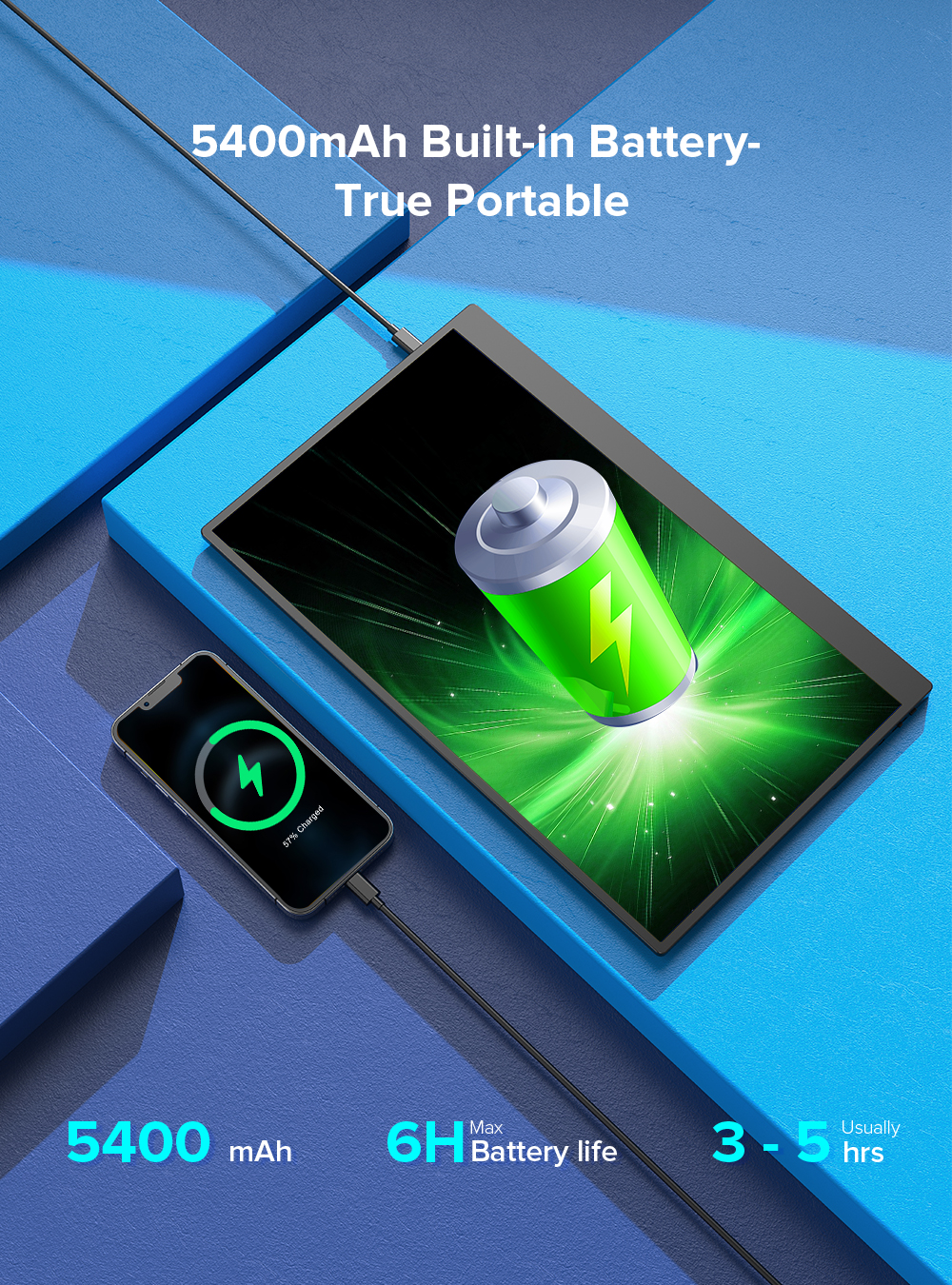
| Power Delivery | Fino a 45W (carica il telefono durante l'uso) |
| Frequenza di aggiornamento | 60 Hz |
| Luminosità | 300 cd/m² |
| Gamut colore | 72% NTSC |
| Altoparlanti integrati | 2 x 1W stereo |
| Peso | ~900g (senza supporto) |
Samsung DeX funziona con il touch sul DisplayDock?
Sì. Samsung DeX supporta nativamente i display touchscreen esterni. Tutti i punti di contatto vengono riconosciuti in modalità DeX — ottieni un'esperienza desktop completa senza mouse.
Funziona con telefoni non Samsung?
Sì. Qualsiasi telefono USB-C con supporto DisplayPort Alt Mode invierà video al DisplayDock. Il supporto touch dipende dal software del telefono — Samsung e Motorola Ready For hanno la migliore integrazione.
Il DisplayDock carica il telefono durante la connessione?
Sì. La connessione USB-C fornisce fino a 45W di Power Delivery, quindi il telefono rimane carico durante l'uso.
Ho bisogno di tastiera e mouse separati?
Non necessariamente. Il touchscreen a 10 punti permette di usare il display direttamente. Per lavoro intensivo di digitazione, è consigliata una tastiera Bluetooth. Consulta la nostra guida di configurazione Samsung DeX su MiraLab per gli accessori.
Il DisplayDock è compatibile con iPad?
Sì. iPad Pro e iPad Air (USB-C) possono utilizzare il DisplayDock come display esterno. Stage Manager è supportato per l'uso multi-finestra.
Product Packaging