

Guarantee
You have 14 days to return the product if you are not satisfied.

You have 14 days to return the product if you are not satisfied.
Payment Security
We work with the best payment partners to ensure your transactions are 100% secure.

We work with the best payment partners to ensure your transactions are 100% secure.
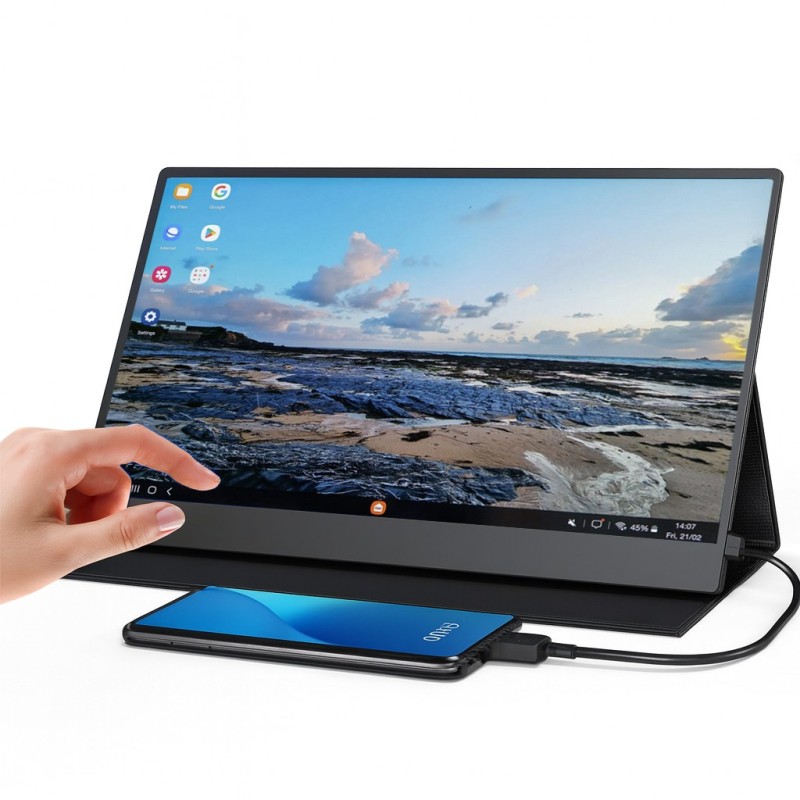
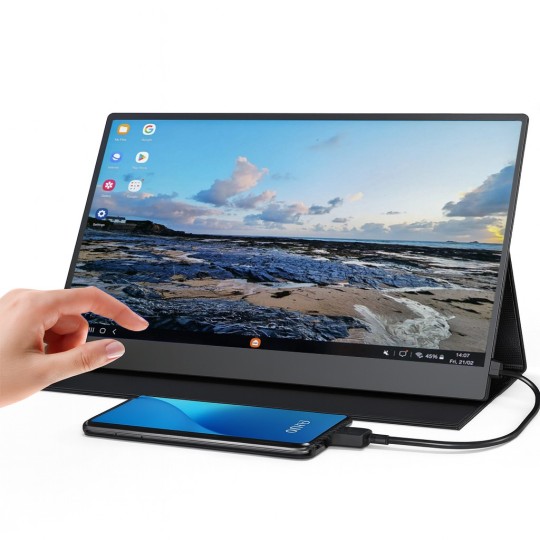
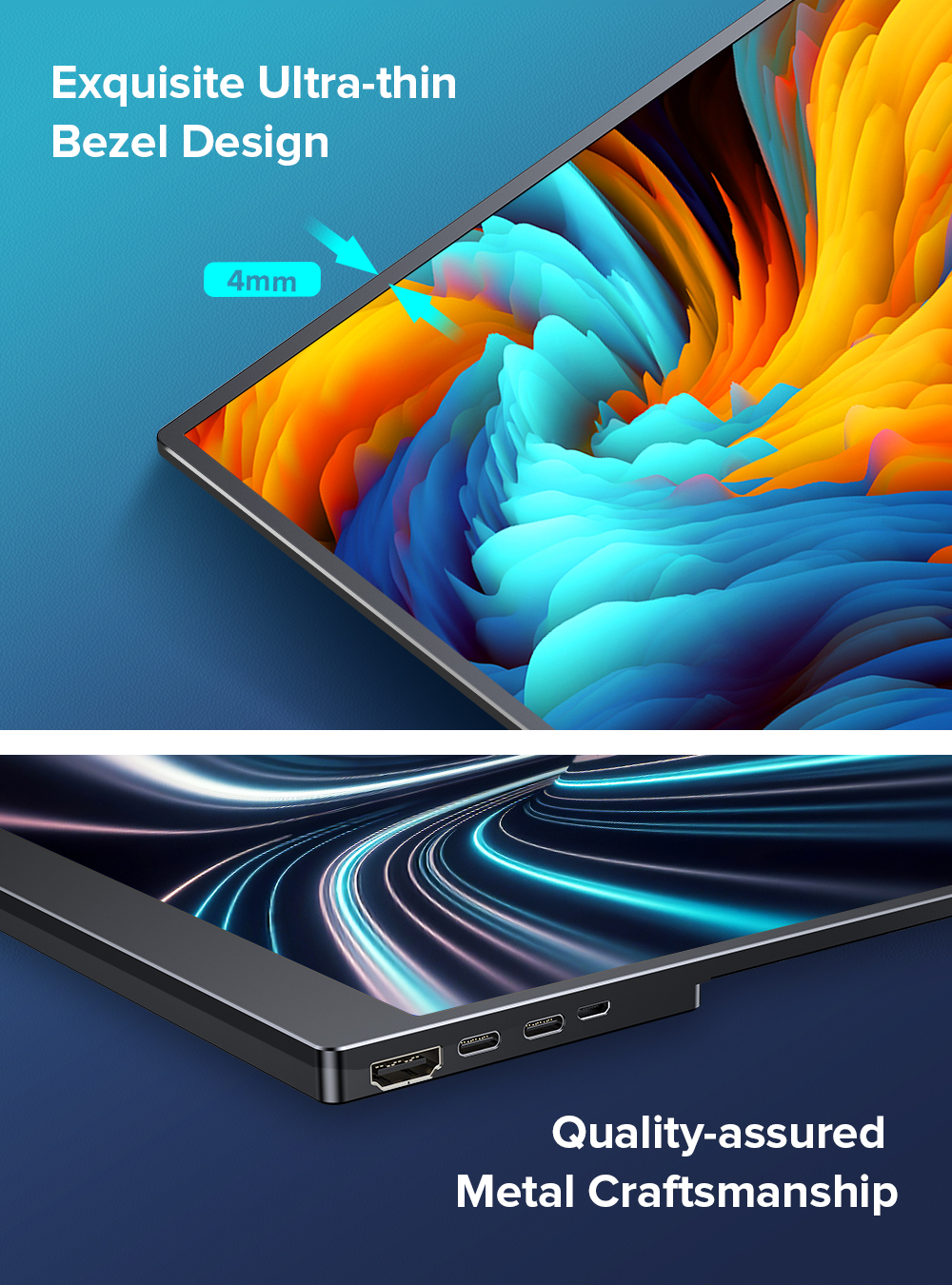
What if your smartphone could power a 15.6-inch Full HD touchscreen in seconds? That is exactly what the Uperfect DisplayDock does - plug in your phone, and you instantly have a large, responsive touchscreen display. No tablet needed. No PC required.
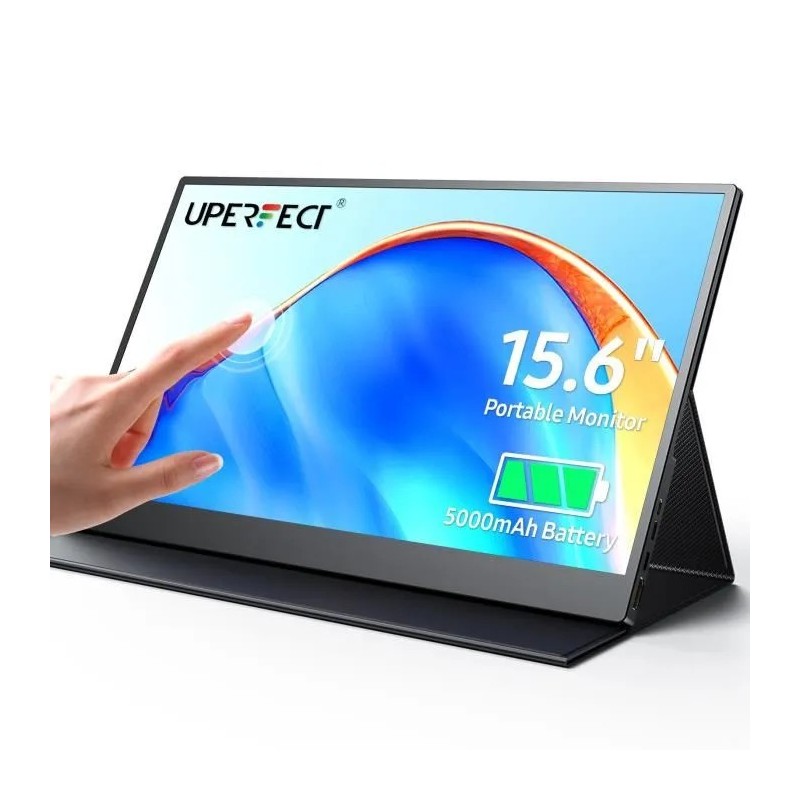
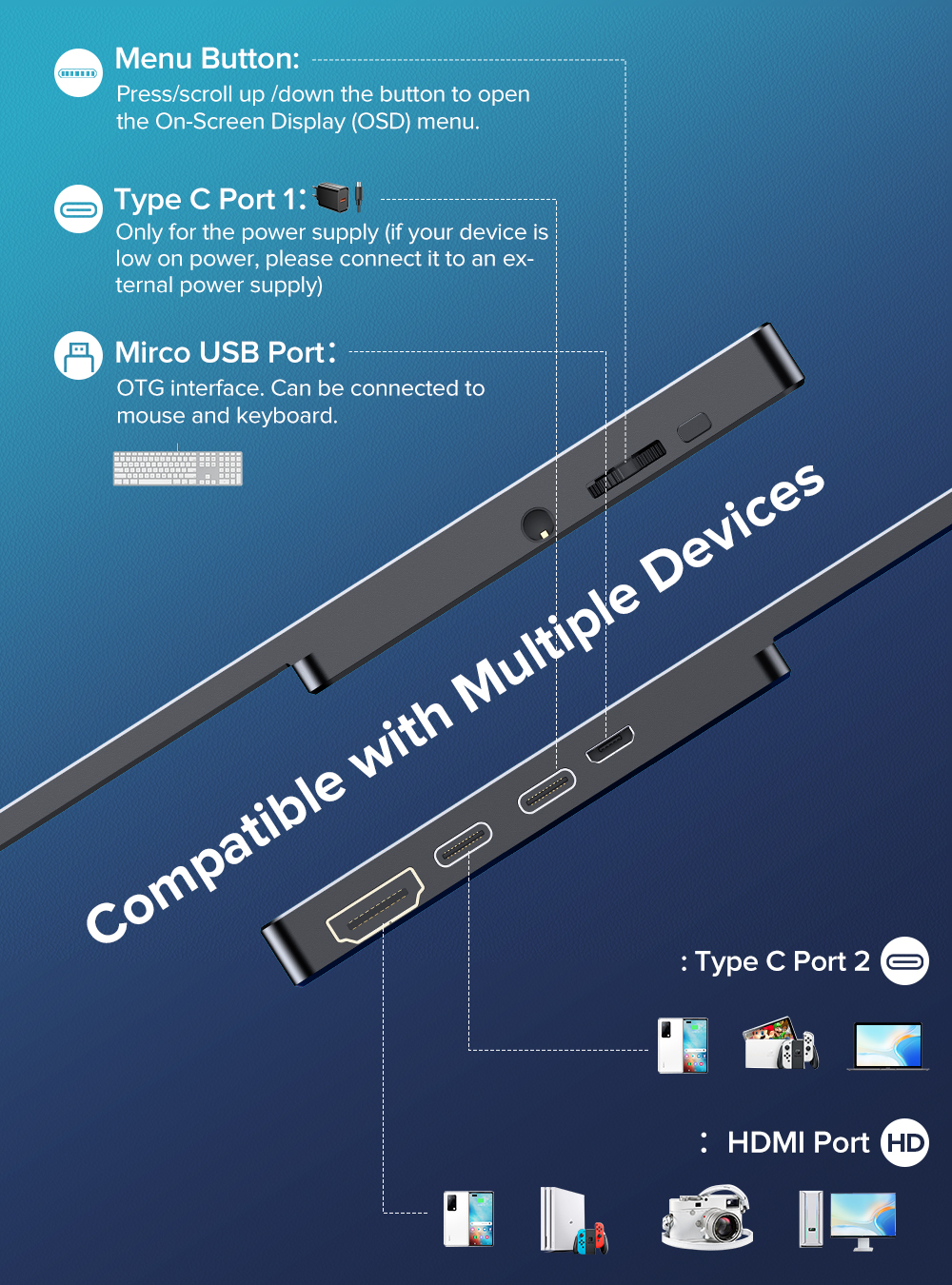
The Uperfect DisplayDock 15.6" is a portable touchscreen monitor built for Samsung DeX, Android Desktop Mode, and mobile power users who want a big-screen experience anywhere. A single USB-C cable handles video, touch data, and phone charging simultaneously.
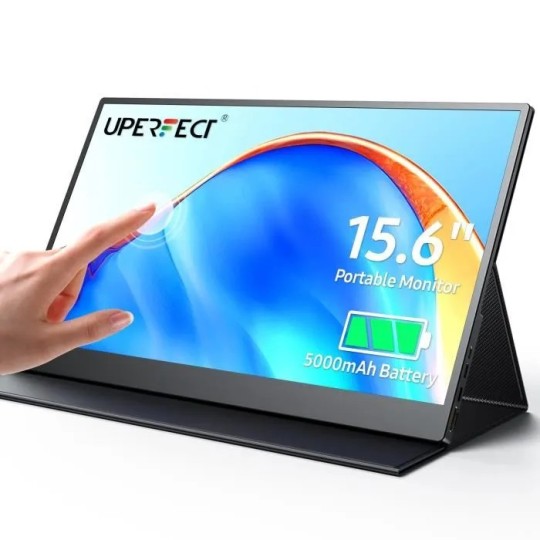
Unlike standard portable monitors, the Uperfect DisplayDock is touch-enabled. You keep the intuitiveness of touch on a surface 5x larger than your phone. Samsung DeX natively supports touchscreen displays - so windows, navigation, and scrolling all work with your fingers, no mouse needed.
| Screen size | 15.6 inches |
|---|---|
| Resolution | 1920 x 1080 (Full HD) |
| Panel type | IPS |
| Touch | 10-point multi-touch capacitive |
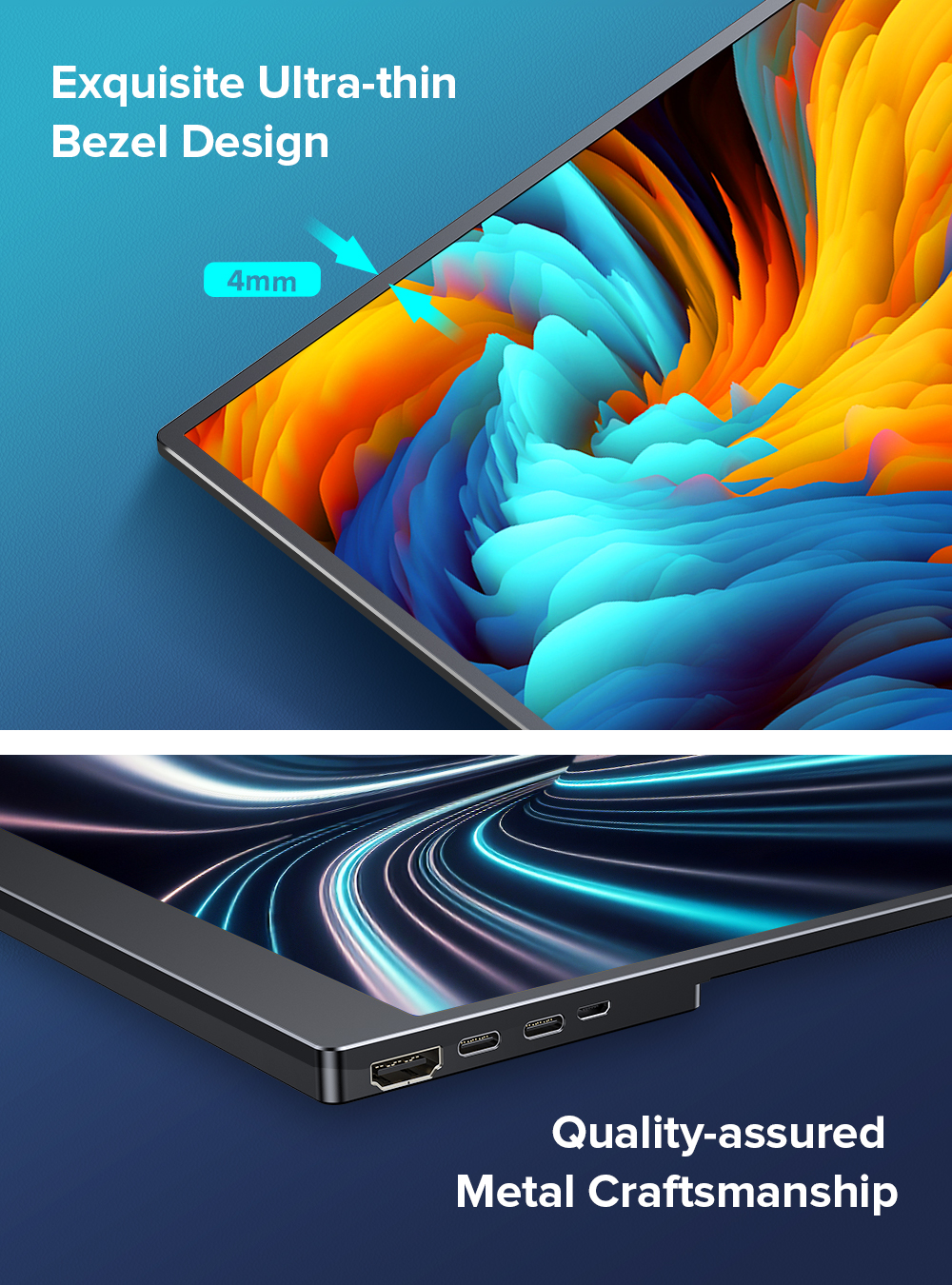
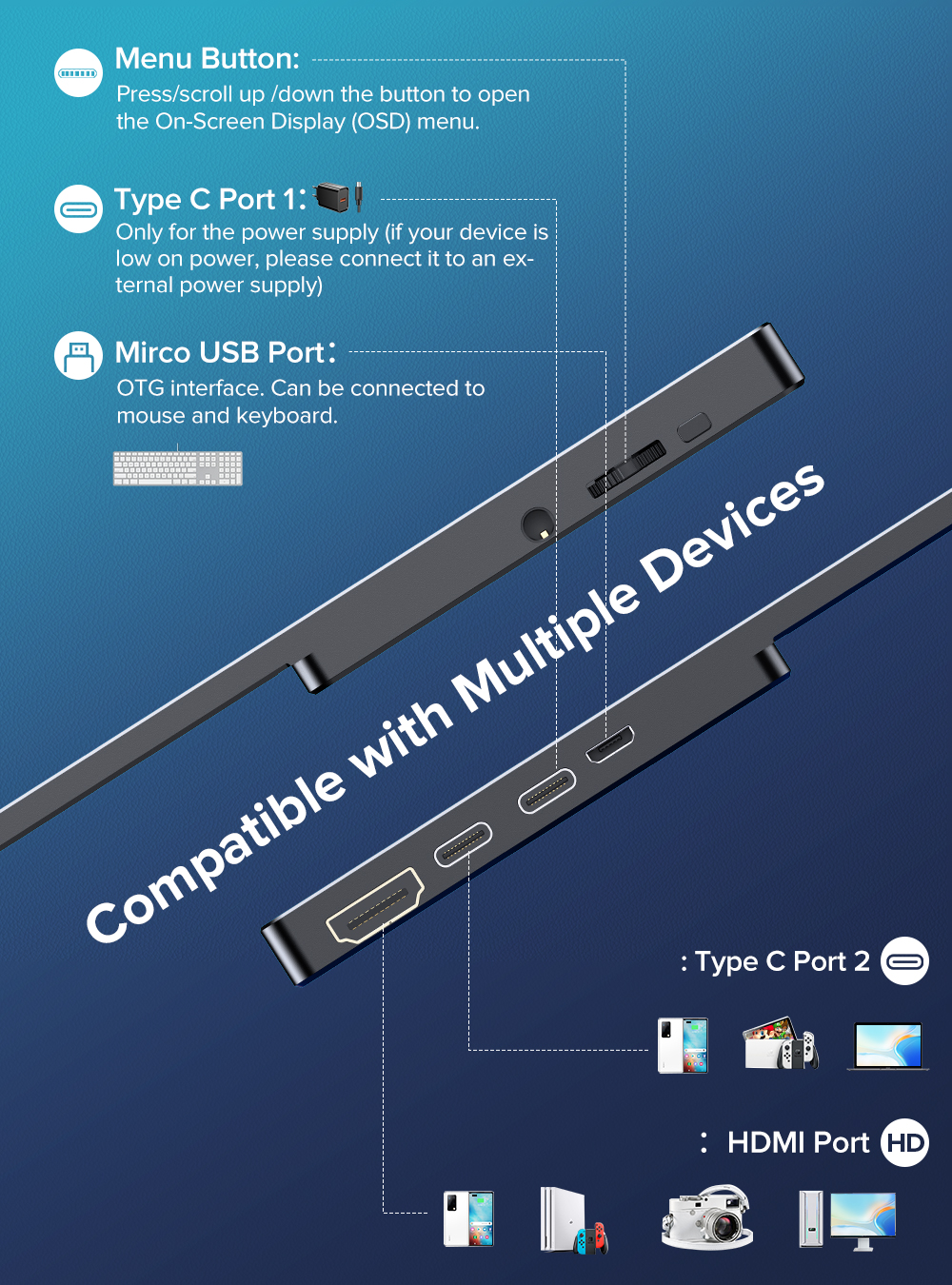
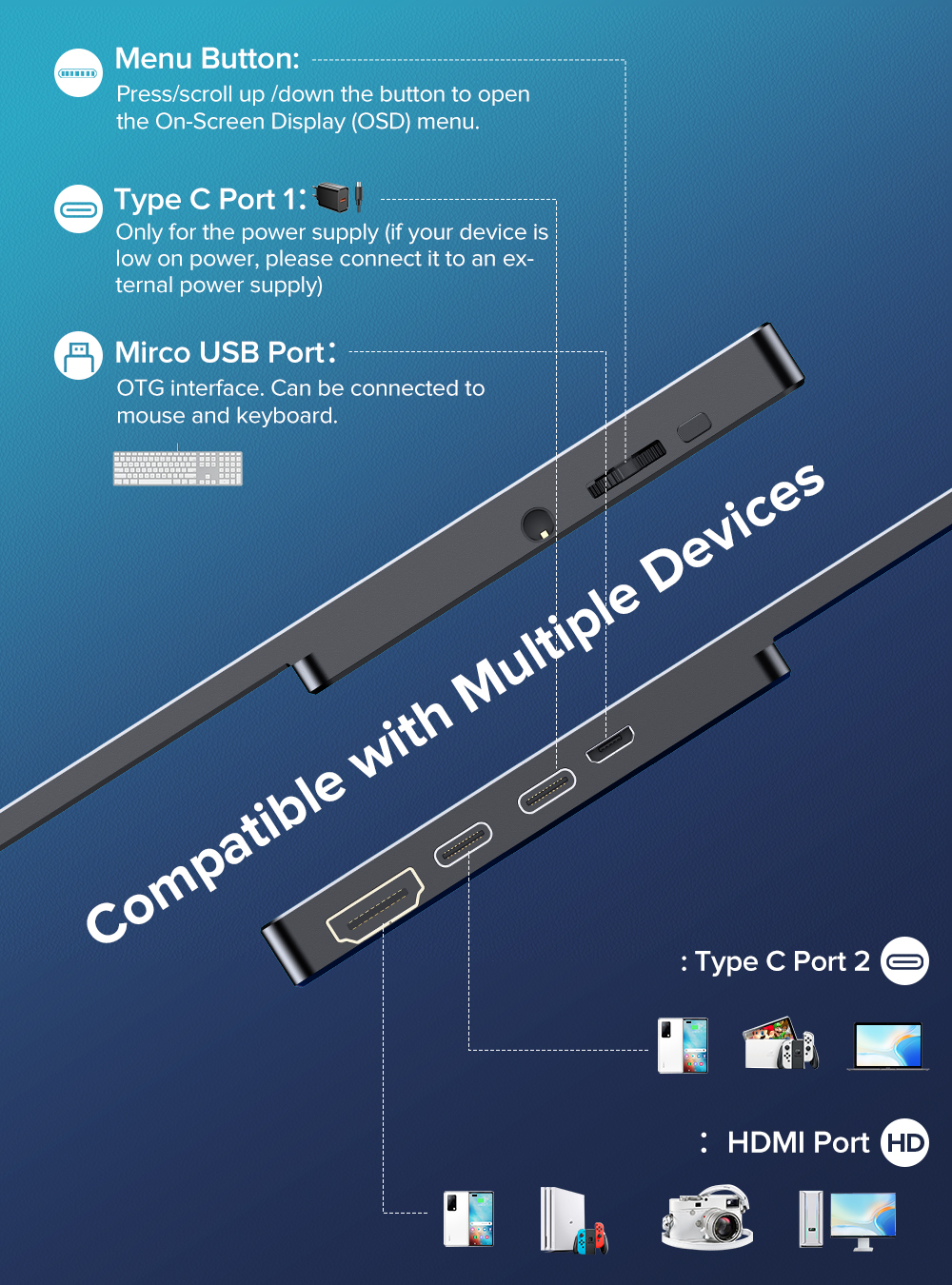
| Connectivity | USB-C (video + touch + power), Mini HDMI |
| Power delivery | Up to 45W (charges your phone while in use) |
| Refresh rate | 60 Hz |
| Brightness | 300 cd/m² |
| Color gamut | 72% NTSC |
| Built-in speakers | 2 x 1W stereo |
| Weight | ~900g (without stand) |
Does Samsung DeX work with touch on the DisplayDock?
Yes. Samsung DeX natively supports touchscreen external displays. All touch points are recognized in DeX mode - you get a full desktop experience without needing a mouse.
Does it work with non-Samsung phones?
Yes. Any USB-C phone with DisplayPort Alt Mode support will output video to the DisplayDock. Touch support depends on the phone's software - Samsung and Motorola Ready For have the best touch integration.
Does the DisplayDock charge my phone while connected?
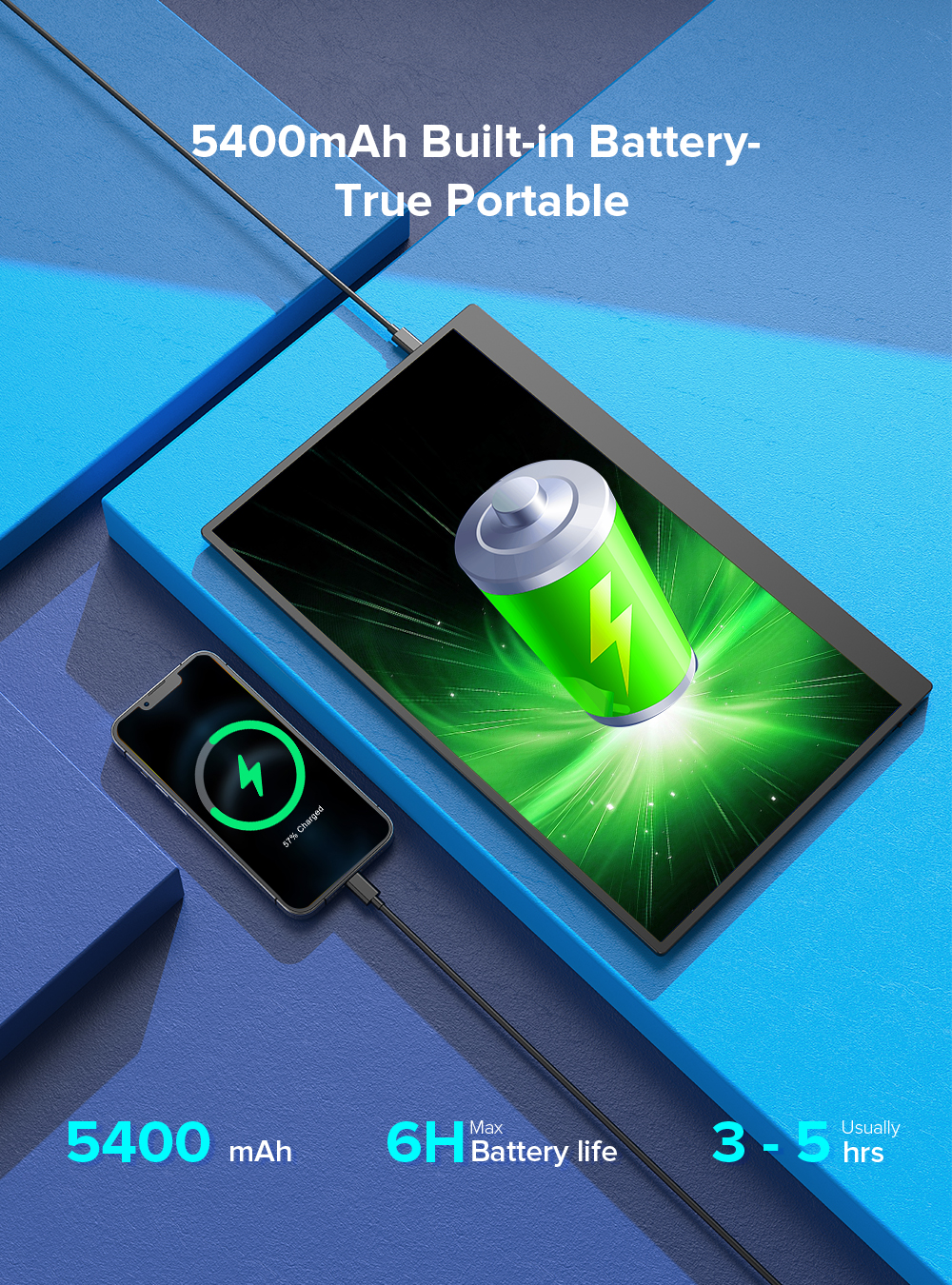
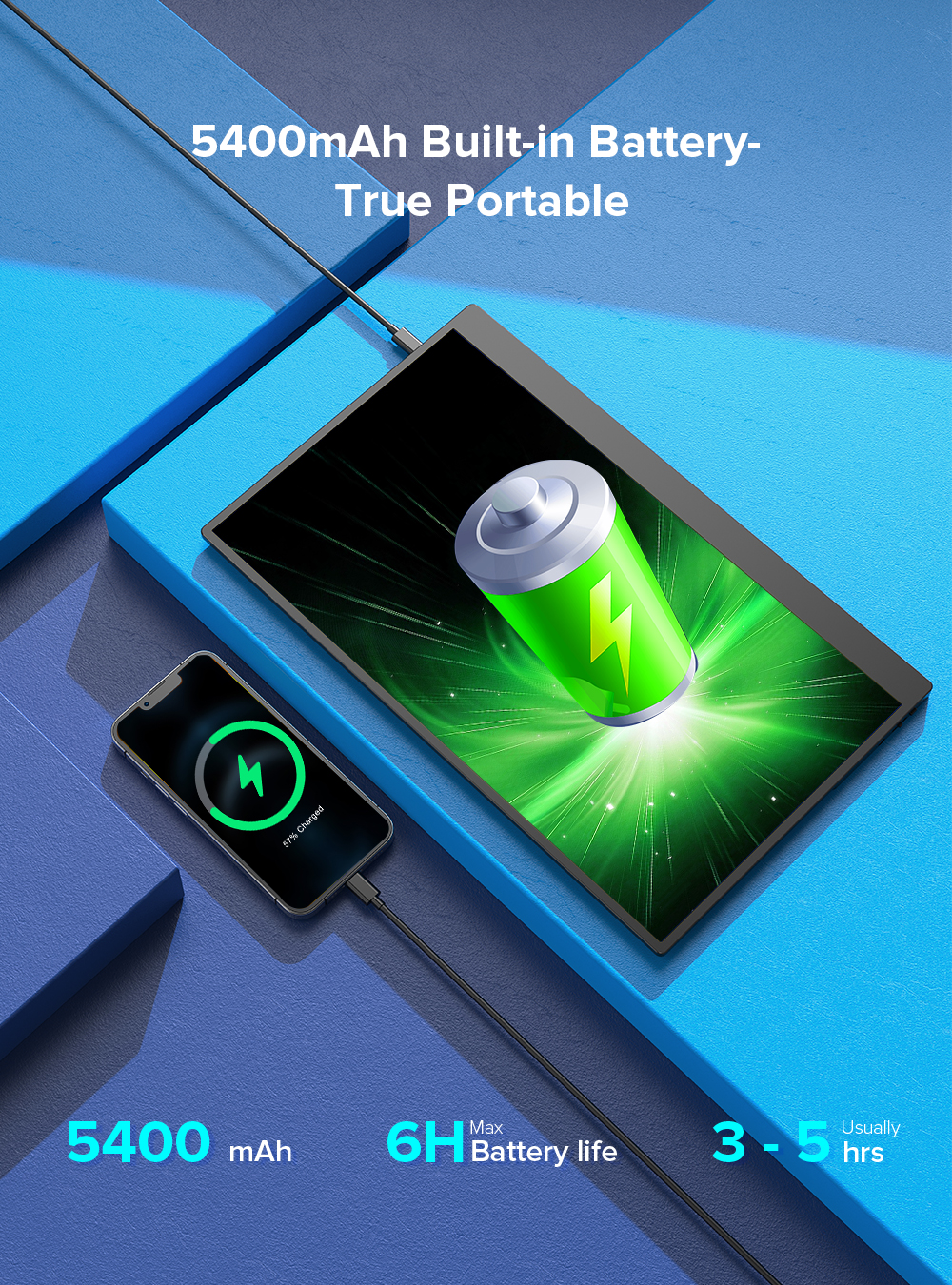
Yes. The USB-C connection delivers up to 45W of power delivery, so your phone stays charged during use.
Do I need a separate keyboard and mouse?
Not necessarily. The 10-point touch screen means you can use the display directly. For heavy text work, a Bluetooth keyboard is recommended. See our Samsung DeX setup guide on MiraLab for accessories.
Is the DisplayDock compatible with iPad?
Yes. iPad Pro and iPad Air (USB-C) can use the DisplayDock as an external display. Stage Manager is supported for multi-window use.
Product Packaging