Guarantee
You have 14 days to return the product if you are not satisfied.

You have 14 days to return the product if you are not satisfied.
Payment Security
We work with the best payment partners to ensure your transactions are 100% secure.

We work with the best payment partners to ensure your transactions are 100% secure.
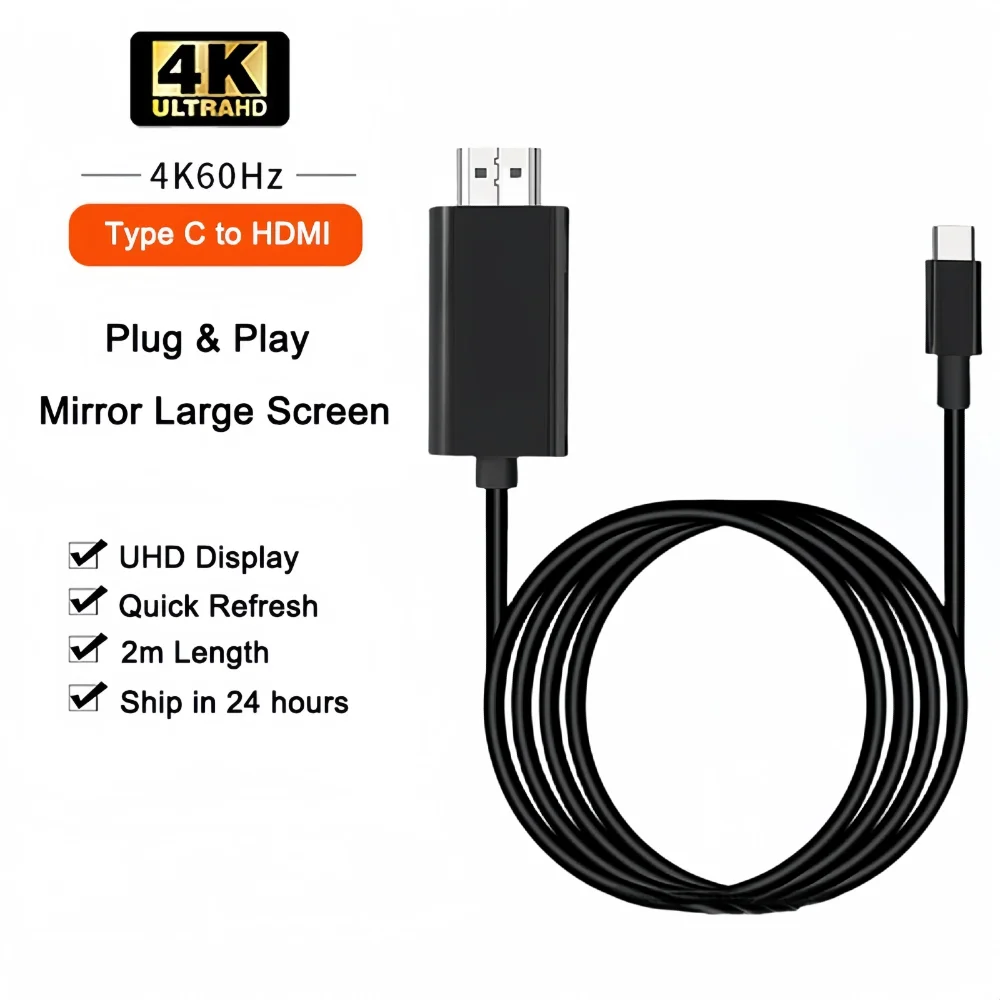
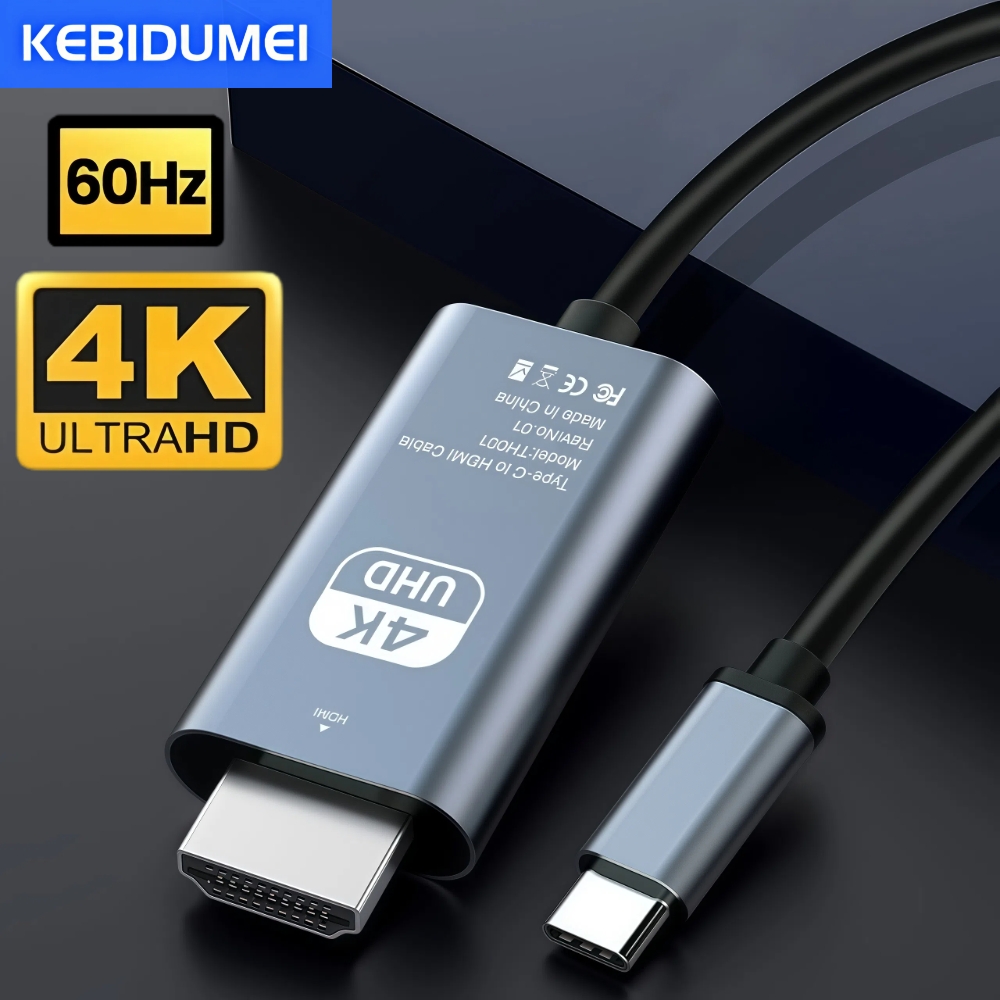
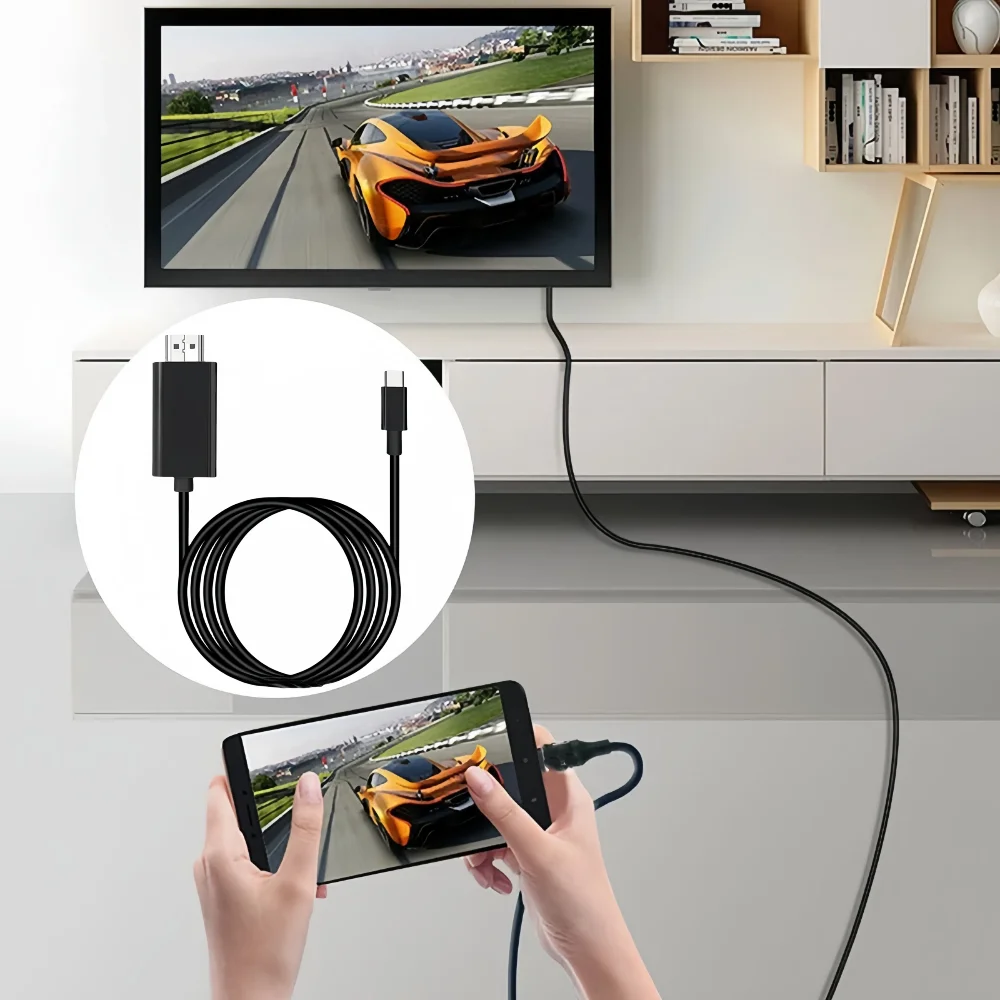
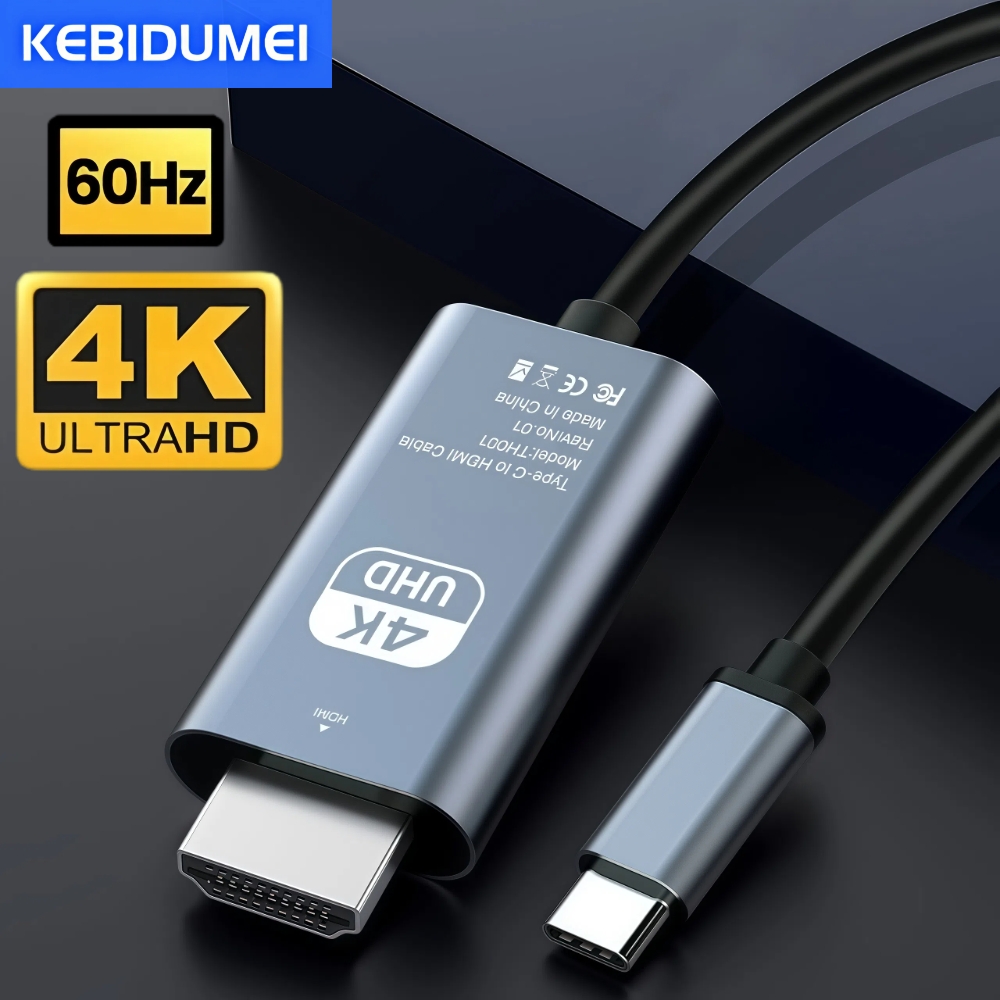
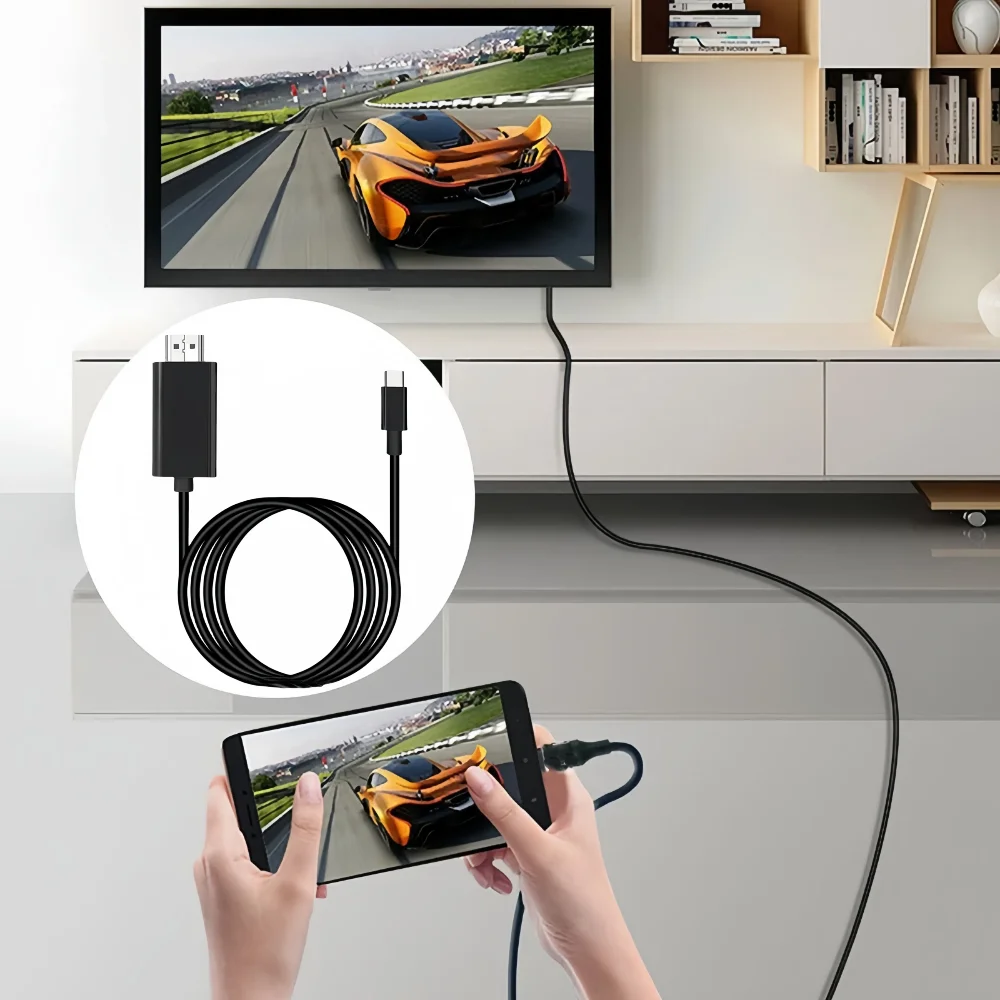
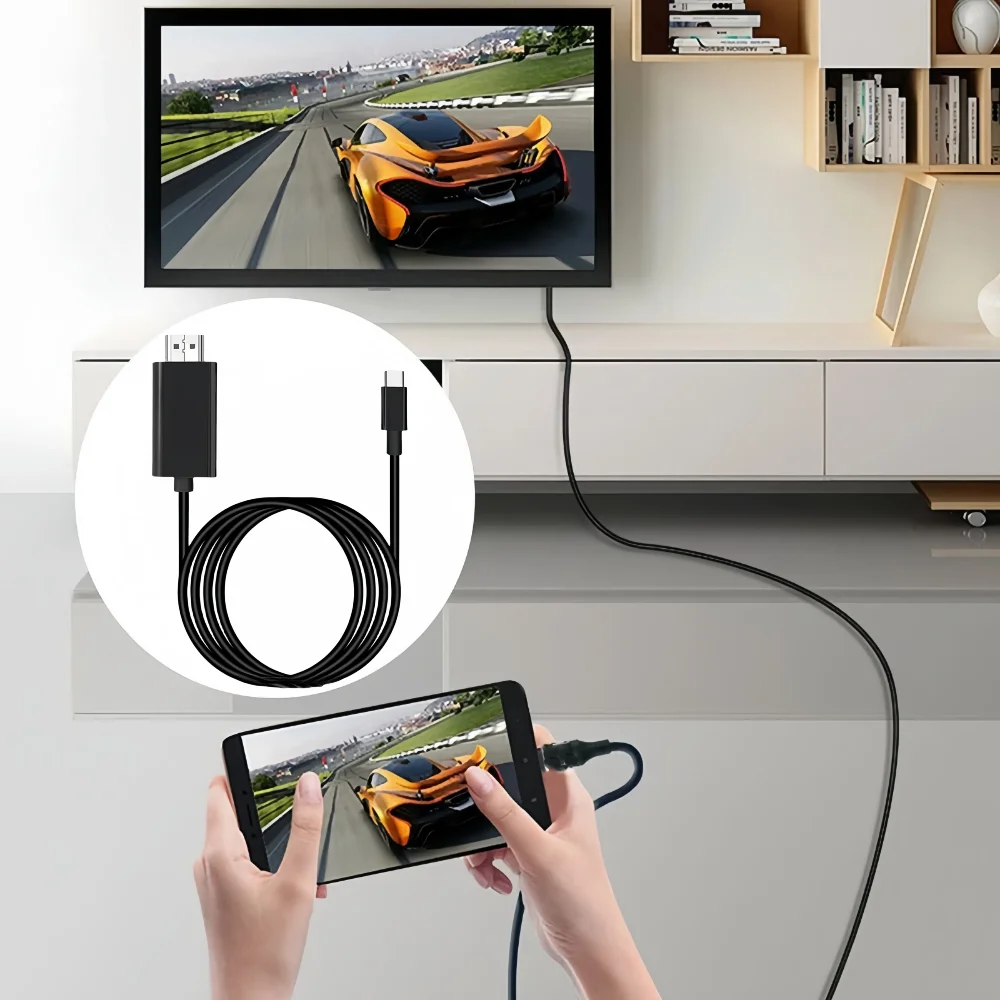
Vous avez un Samsung Galaxy, un Motorola ou un smartphone Android r\u00e9cent \u2014 et vous voulez simplement l'afficher sur un grand \u00e9cran TV ou moniteur sans d\u00e9penser 100 \u20ac dans un dock. Cet adaptateur USB-C HDMI 4K 60Hz fait le travail en quelques secondes.
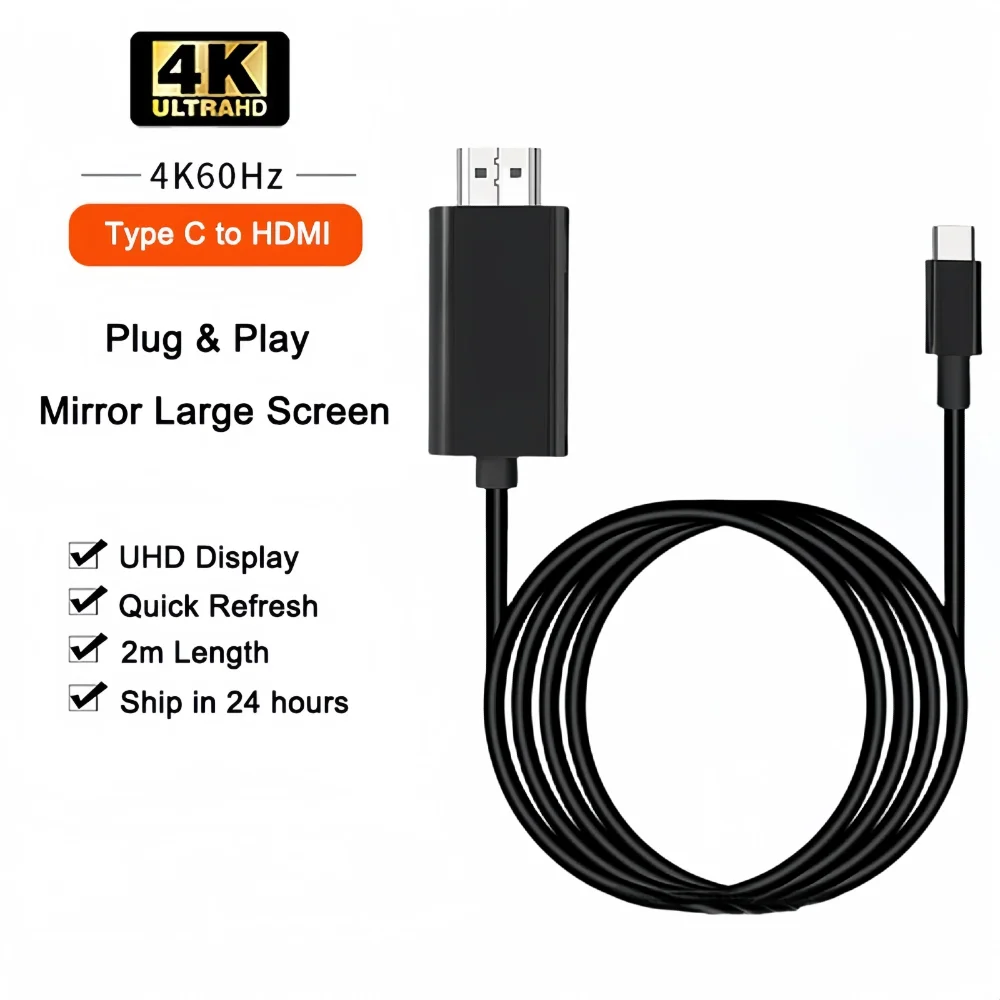
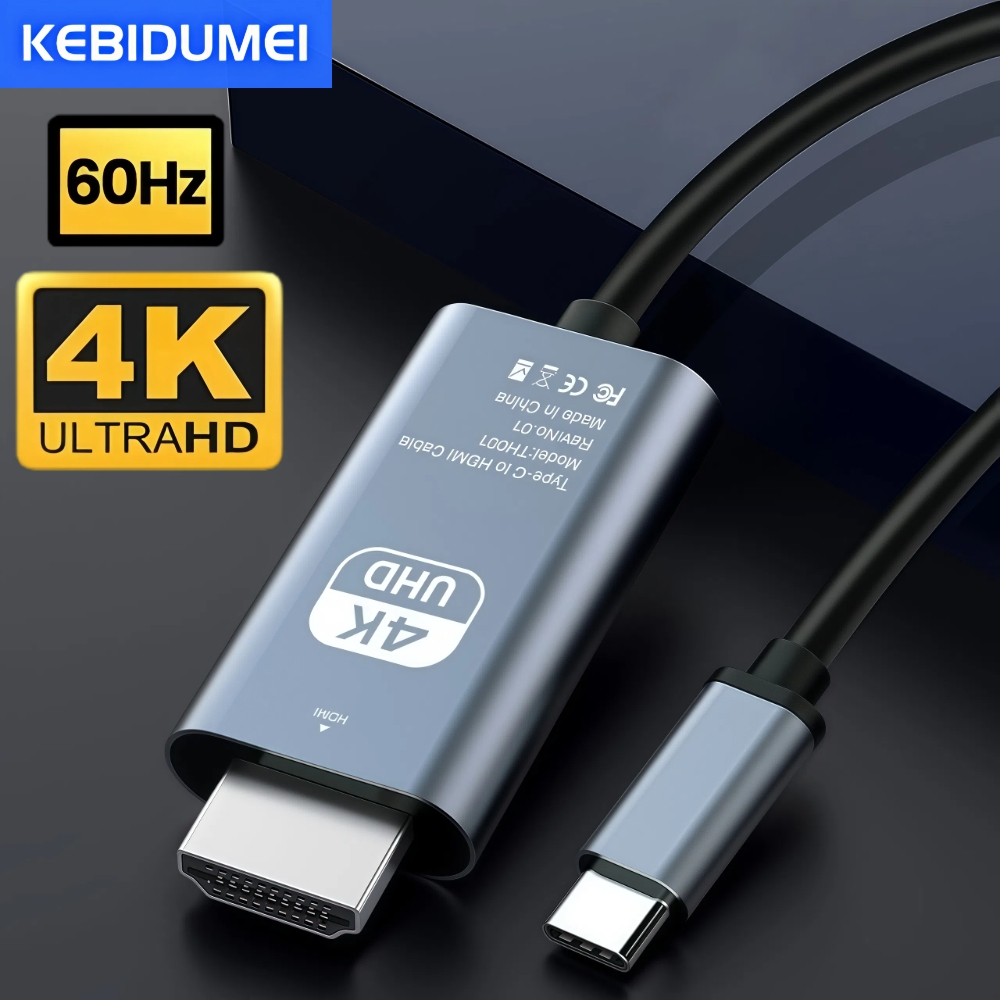
\n\nL'adaptateur USB-C HDMI 4K 60Hz est la solution la plus simple pour activer Samsung DeX, l'Android Desktop Mode ou la projection d'\u00e9cran sur n'importe quel moniteur ou TV HDMI. Un c\u00e2ble de 2 m\u00e8tres, aucun pilote, aucune configuration \u2014 branchez et c'est parti.
\n\nLe march\u00e9 regorge d'adaptateurs USB-C HDMI bon march\u00e9 qui ne supportent pas le DisplayPort Alt Mode \u2014 pourtant indispensable pour Samsung DeX et les modes bureau Android. Cet adaptateur est s\u00e9lectionn\u00e9 et test\u00e9 pour \u00eatre enti\u00e8rement compatible avec DeX, Ready For et les autres Desktop Modes Android.
\n\n\u2192 Voir la liste compl\u00e8te des smartphones compatibles Android Desktop Mode 2026
\n\n| R\u00e9solution maximale | 4K UHD (3840\u00d72160) @ 60Hz |
| Longueur du c\u00e2ble | 2 m\u00e8tres |
| Connecteur entr\u00e9e | USB-C (DisplayPort Alt Mode) |
| Connecteur sortie | HDMI standard |
| C\u00e2blage | Cuivre \u00e9tam\u00e9, gaine PVC \u00e9cologique |
| Protocole vid\u00e9o | DisplayPort Alt Mode via USB-C |
| Plug & play | Oui \u2014 aucun pilote requis |
| Compatibilit\u00e9 TV/moniteur | Tout \u00e9cran avec entr\u00e9e HDMI standard |
Oui, \u00e0 condition que votre Samsung Galaxy supporte Samsung DeX via USB-C c\u00e2bl\u00e9. Les mod\u00e8les S8 \u00e0 S26, Note 8+, Z Fold et Tab S4+ sont compatibles. Branchez l'adaptateur sur un moniteur HDMI, et DeX se lance automatiquement.
\n\nOui. L'adaptateur se connecte \u00e0 n'importe quelle entr\u00e9e HDMI standard \u2014 TV 4K, moniteur PC, projecteur ou \u00e9cran portable.
\n\nCet adaptateur est uniquement vid\u00e9o (sans pass-through charge). Pour charger simultan\u00e9ment, optez pour notre MiraDock avec port USB-C PD int\u00e9gr\u00e9.
\n\n\u00c0 60Hz, l'image est deux fois plus fluide qu'\u00e0 30Hz \u2014 essentiel pour le travail avec la souris et le d\u00e9filement. Le 60Hz est largement pr\u00e9f\u00e9rable pour un usage bureau sous Samsung DeX.
\n\nL'utilisation de Samsung DeX ou de l'Android Desktop Mode sollicite le GPU du t\u00e9l\u00e9phone. Un l\u00e9ger \u00e9chauffement est normal. \u00c9vitez de couvrir le t\u00e9l\u00e9phone lors des longues sessions.
\n\nEnvie d'aller plus loin ? Passez au MiraDock pour profiter en plus de 4 ports USB-A, Ethernet et recharge simultan\u00e9e \u2014 le dock Samsung DeX ultime.
\nGuide complet : Les meilleurs accessoires Samsung DeX 2026
\n", "2": "You have a Samsung Galaxy, Motorola, or modern Android phone \u2014 and you want to display it on a big TV or monitor without spending \u20ac100 on a full dock. This USB-C to HDMI 4K 60Hz adapter gets it done in seconds.
\n\nThe USB-C to HDMI 4K 60Hz adapter is the simplest way to activate Samsung DeX, Android Desktop Mode, or screen mirroring on any HDMI monitor or TV. A 2-meter cable, no drivers, no setup \u2014 plug in and go.
\n\nThe market is flooded with cheap USB-C HDMI adapters that don't support DisplayPort Alt Mode \u2014 which is essential for Samsung DeX and Android desktop modes. This adapter is specifically selected and tested to be fully compatible with DeX, Ready For, and other Android Desktop Modes.
\n\n\u2192 Full list of Android Desktop Mode compatible smartphones 2026
\n\n| Max resolution | 4K UHD (3840\u00d72160) @ 60Hz |
| Cable length | 2 meters |
| Input connector | USB-C (DisplayPort Alt Mode) |
| Output connector | Standard HDMI |
| Cabling | Tinned copper, eco-friendly PVC sheath |
| Video protocol | DisplayPort Alt Mode over USB-C |
| Plug & play | Yes \u2014 no drivers required |
| TV / monitor compatibility | Any screen with standard HDMI input |
Yes, as long as your Samsung Galaxy supports wired Samsung DeX via USB-C. Models from S8 to S26, Note 8+, Z Fold and Tab S4+ all support wired DeX. Just plug the adapter into your Galaxy and into any HDMI monitor \u2014 DeX launches automatically.
\n\nYes. The adapter connects to any standard HDMI input \u2014 4K TVs, PC monitors, projectors, or portable screens.
\n\nThis adapter is video-only (no pass-through charging). For simultaneous charging, check out our MiraDock with built-in USB-C PD port.
\n\nAt 60Hz the image is twice as smooth as at 30Hz \u2014 crucial for mouse work and scrolling. 30Hz is tolerable for static video, but 60Hz is clearly better for desktop use under Samsung DeX.
\n\nRunning Samsung DeX or Android Desktop Mode on an external display puts load on the phone's GPU. Mild warmth is normal. Avoid covering the phone during extended sessions.
\n\nWant to go further? Upgrade to the MiraDock for 4 USB-A ports, Ethernet, and simultaneous charging \u2014 the ultimate Samsung DeX dock.
\nFull guide: Best Samsung DeX accessories 2026
", "3": "Sie haben ein Samsung Galaxy, ein Motorola oder ein modernes Android-Smartphone \u2014 und m\u00f6chten es einfach auf einem gro\u00dfen TV-Bildschirm oder Monitor darstellen, ohne 100 \u20ac f\u00fcr eine Docking-Station auszugeben. Dieser USB-C HDMI 4K 60Hz Adapter erledigt das in Sekunden.
\n\nDer USB-C HDMI 4K 60Hz Adapter ist die einfachste L\u00f6sung, um Samsung DeX, den Android Desktop Mode oder die Bildschirmspiegelung auf jedem HDMI-Monitor oder -TV zu aktivieren. 2 Meter Kabel, keine Treiber, keine Konfiguration \u2014 einfach einstecken und loslegen.
\n\nDer Markt ist \u00fcbers\u00e4ttigt mit g\u00fcnstigen USB-C HDMI Adaptern, die den DisplayPort Alt Mode nicht unterst\u00fctzen \u2014 der jedoch unverzichtbar f\u00fcr Samsung DeX und die Android-Desktop-Modi ist. Dieser Adapter wurde speziell ausgew\u00e4hlt und getestet, um vollst\u00e4ndig kompatibel mit DeX, Ready For und anderen Android Desktop Modes zu sein.
\n\n\u2192 Vollst\u00e4ndige Liste der Android Desktop Mode kompatiblen Smartphones 2026
\n\n| Maximale Aufl\u00f6sung | 4K UHD (3840\u00d72160) @ 60Hz |
| Kabell\u00e4nge | 2 Meter |
| Eingangsanschluss | USB-C (DisplayPort Alt Mode) |
| Ausgangsanschluss | Standard-HDMI |
| Kabel | Verzinntes Kupfer, umweltfreundliche PVC-Ummantelung |
| Videoprotokoll | DisplayPort Alt Mode \u00fcber USB-C |
| Plug & Play | Ja \u2014 keine Treiber erforderlich |
| TV-/Monitorkompatibilit\u00e4t | Jeder Bildschirm mit Standard-HDMI-Eingang |
Ja, vorausgesetzt Ihr Samsung Galaxy unterst\u00fctzt Samsung DeX \u00fcber kabelgebundenes USB-C. Die Modelle S8 bis S26, Note 8+, Z Fold und Tab S4+ sind mit kabelgebundenem DeX kompatibel. Schlie\u00dfen Sie den Adapter an Ihr Galaxy an und an einen HDMI-Monitor \u2014 DeX startet automatisch.
\n\nJa. Der Adapter verbindet sich mit jedem Standard-HDMI-Eingang \u2014 ob 4K-TV, PC-Monitor, Projektor oder tragbarer Bildschirm.
\n\nDieser Adapter ist rein f\u00fcr Video (kein Pass-Through-Laden). F\u00fcr gleichzeitiges Laden empfehlen wir unser MiraDock mit integriertem USB-C PD-Anschluss.
\n\nBei 60Hz ist das Bild doppelt so fl\u00fcssig wie bei 30Hz \u2014 entscheidend f\u00fcr die Arbeit mit Maus und beim Scrollen. 30Hz ist f\u00fcr statische Videos ausreichend, aber 60Hz ist f\u00fcr den Desktop-Betrieb unter Samsung DeX klar vorzuziehen.
\n\nDie Nutzung von Samsung DeX oder Android Desktop Mode auf einem externen Bildschirm beansprucht die GPU des Smartphones. Eine leichte Erw\u00e4rmung ist normal. Vermeiden Sie es, das Smartphone bei langen Sitzungen abzudecken.
\n\nM\u00f6chten Sie mehr? Steigen Sie auf das MiraDock um und profitieren Sie zus\u00e4tzlich von 4 USB-A-Ports, Ethernet und gleichzeitigem Laden \u2014 die ultimative Samsung DeX Docking-Station.
\nVollst\u00e4ndiger Guide: Die besten Samsung DeX Zubeh\u00f6rteile 2026
\n", "5": "Hai un Samsung Galaxy, un Motorola o uno smartphone Android moderno \u2014 e vuoi semplicemente visualizzarlo su un grande schermo TV o monitor senza spendere 100 \u20ac per un dock. Questo adattatore USB-C HDMI 4K 60Hz lo fa in pochi secondi.
\n\nL'adattatore USB-C HDMI 4K 60Hz \u00e8 la soluzione pi\u00f9 semplice per attivare Samsung DeX, l'Android Desktop Mode o la proiezione dello schermo su qualsiasi monitor o TV HDMI. Un cavo da 2 metri, nessun driver, nessuna configurazione \u2014 collega e vai.
\n\nIl mercato \u00e8 saturo di adattatori USB-C HDMI economici che non supportano il DisplayPort Alt Mode \u2014 indispensabile per Samsung DeX e i modalit\u00e0 desktop Android. Questo adattatore \u00e8 stato selezionato e testato per essere completamente compatibile con DeX, Ready For e gli altri Android Desktop Mode.
\n\n\u2192 Lista completa degli smartphone compatibili Android Desktop Mode 2026
\n\n| Risoluzione massima | 4K UHD (3840\u00d72160) @ 60Hz |
| Lunghezza del cavo | 2 metri |
| Connettore ingresso | USB-C (DisplayPort Alt Mode) |
| Connettore uscita | HDMI standard |
| Cablaggio | Rame stagnato, guaina PVC ecologica |
| Protocollo video | DisplayPort Alt Mode via USB-C |
| Plug & play | S\u00ec \u2014 nessun driver richiesto |
| Compatibilit\u00e0 TV/monitor | Qualsiasi schermo con ingresso HDMI standard |
S\u00ec, a condizione che il tuo Samsung Galaxy supporti Samsung DeX via USB-C cablato. I modelli S8 a S26, Note 8+, Z Fold e Tab S4+ sono compatibili con DeX cablato. Collega l'adattatore USB-C del tuo Galaxy a un monitor HDMI e DeX si avvia automaticamente.
\n\nS\u00ec. L'adattatore si collega a qualsiasi ingresso HDMI standard \u2014 che si tratti di una TV 4K, un monitor PC, un proiettore o uno schermo portatile.
\n\nQuesto adattatore \u00e8 solo video (senza pass-through di carica). Per caricare contemporaneamente, usa il nostro MiraDock con porta USB-C PD integrata.
\n\nA 60Hz l'immagine \u00e8 due volte pi\u00f9 fluida rispetto a 30Hz \u2014 fondamentale per lavorare con il mouse e scorrere pagine. Il 30Hz \u00e8 accettabile per video statici, ma il 60Hz \u00e8 nettamente preferibile per l'uso desktop con Samsung DeX.
\n\nL'uso di Samsung DeX o Android Desktop Mode su schermo esterno sollecita la GPU dello smartphone. Un leggero riscaldamento \u00e8 normale. Evita di coprire lo smartphone durante le sessioni prolungate.
\n\nVuoi fare un salto di qualit\u00e0? Passa al MiraDock per avere in pi\u00f9 4 porte USB-A, Ethernet e ricarica simultanea \u2014 il dock Samsung DeX definitivo.
\nGuida completa: I migliori accessori Samsung DeX 2026
\n"}Product Packaging