Magnetic USB-C DP Adapter for Lapdock | Mobile-Only

Magnetic USB-C DisplayPort Adapter for Lapdock and Dock

€19.00
Tax included
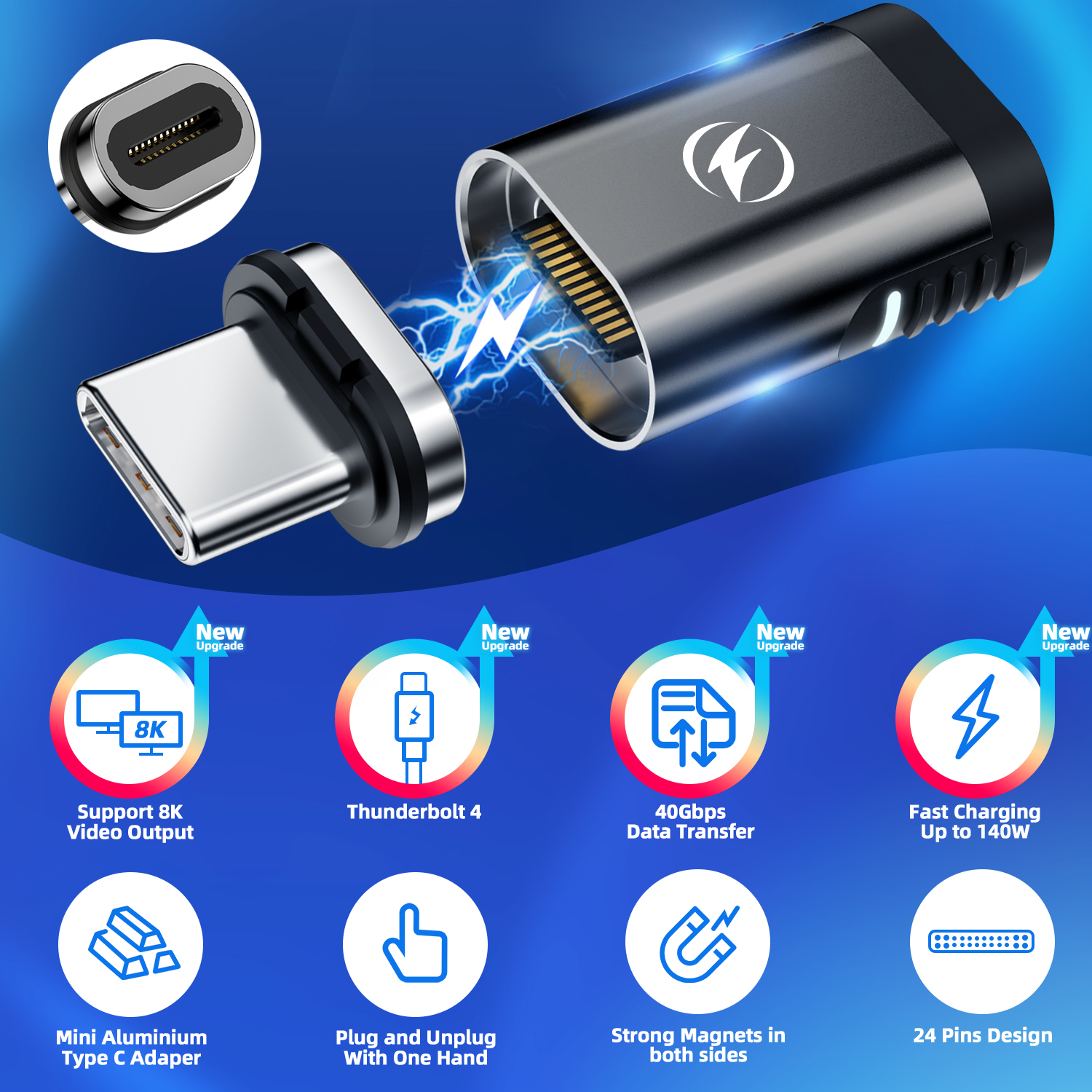
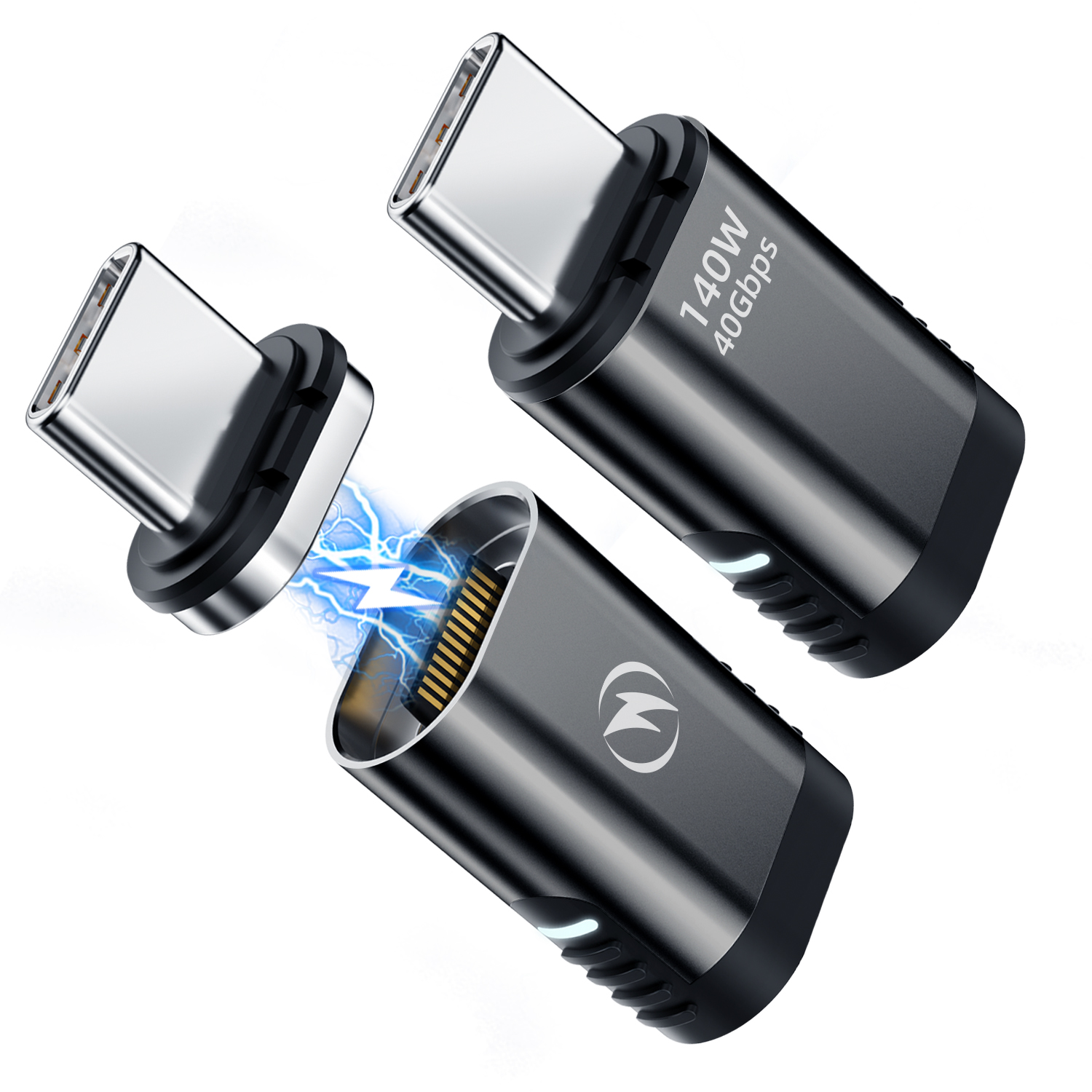
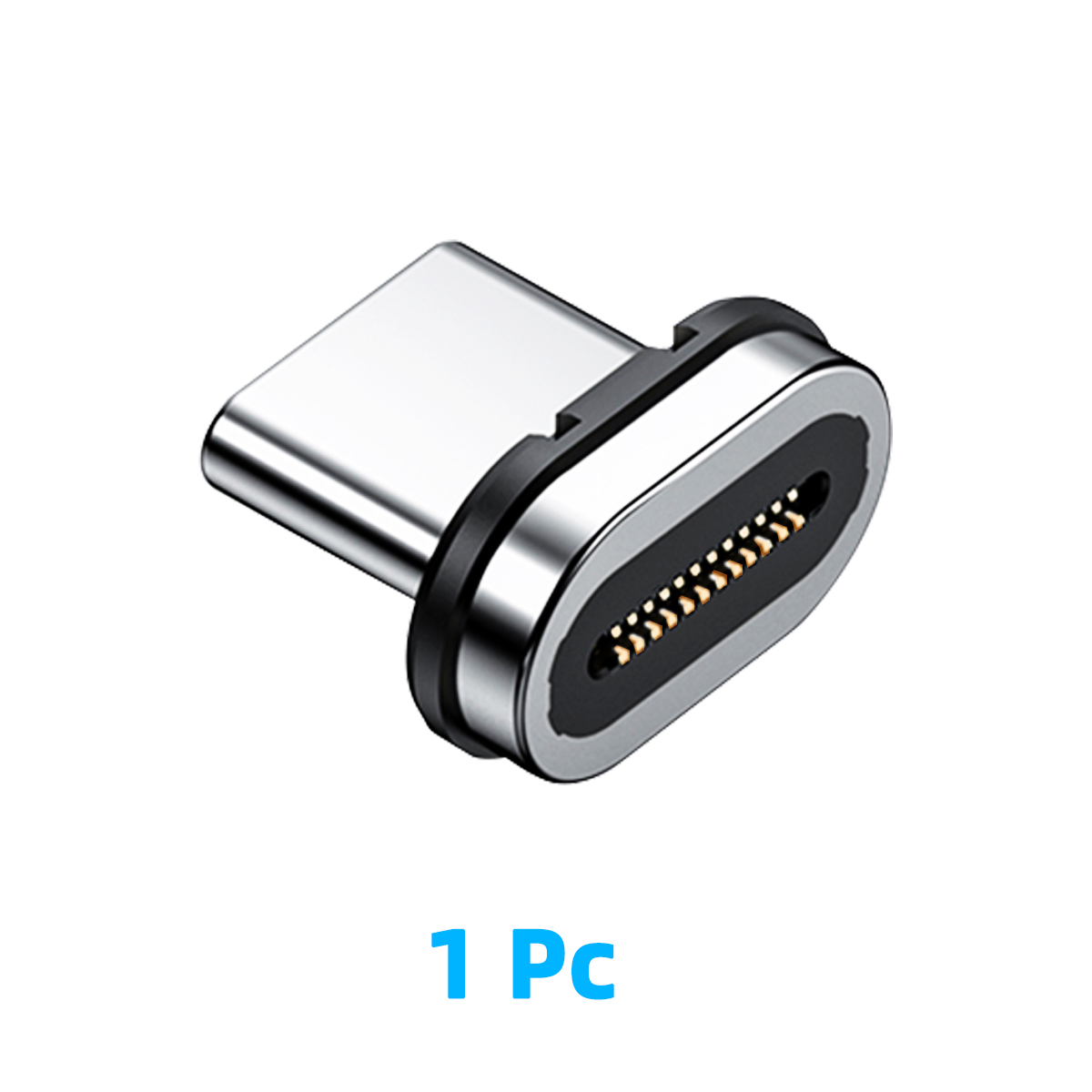
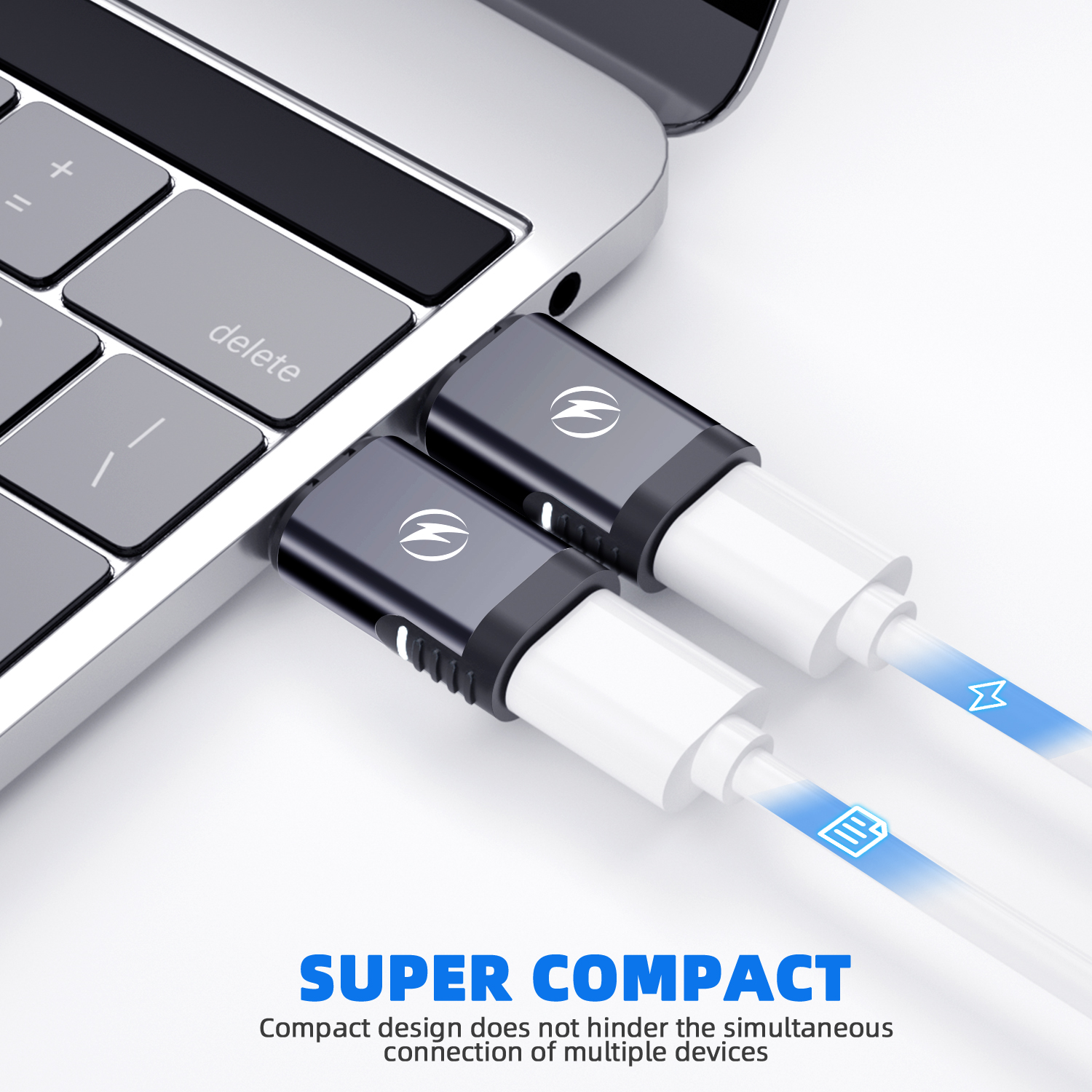
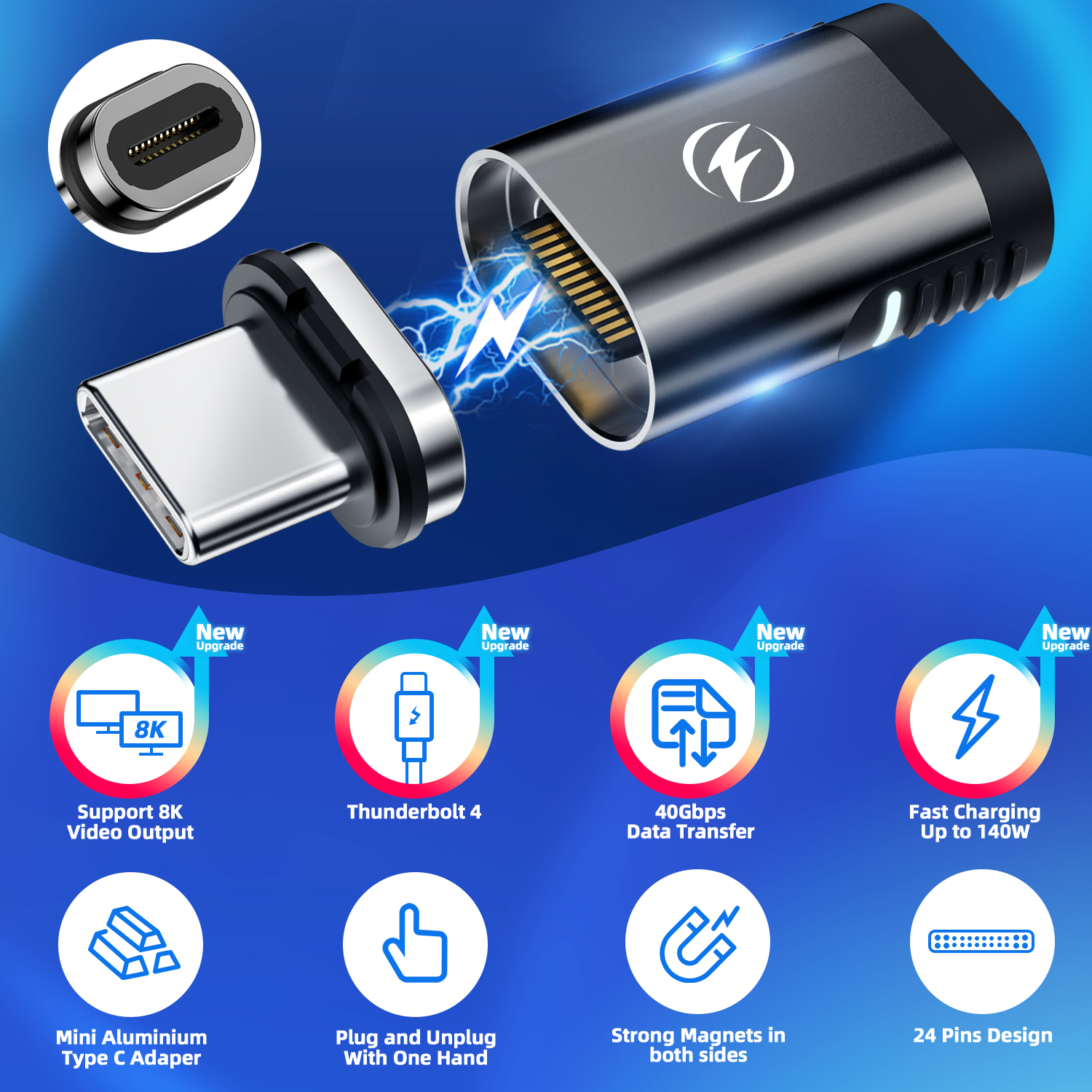
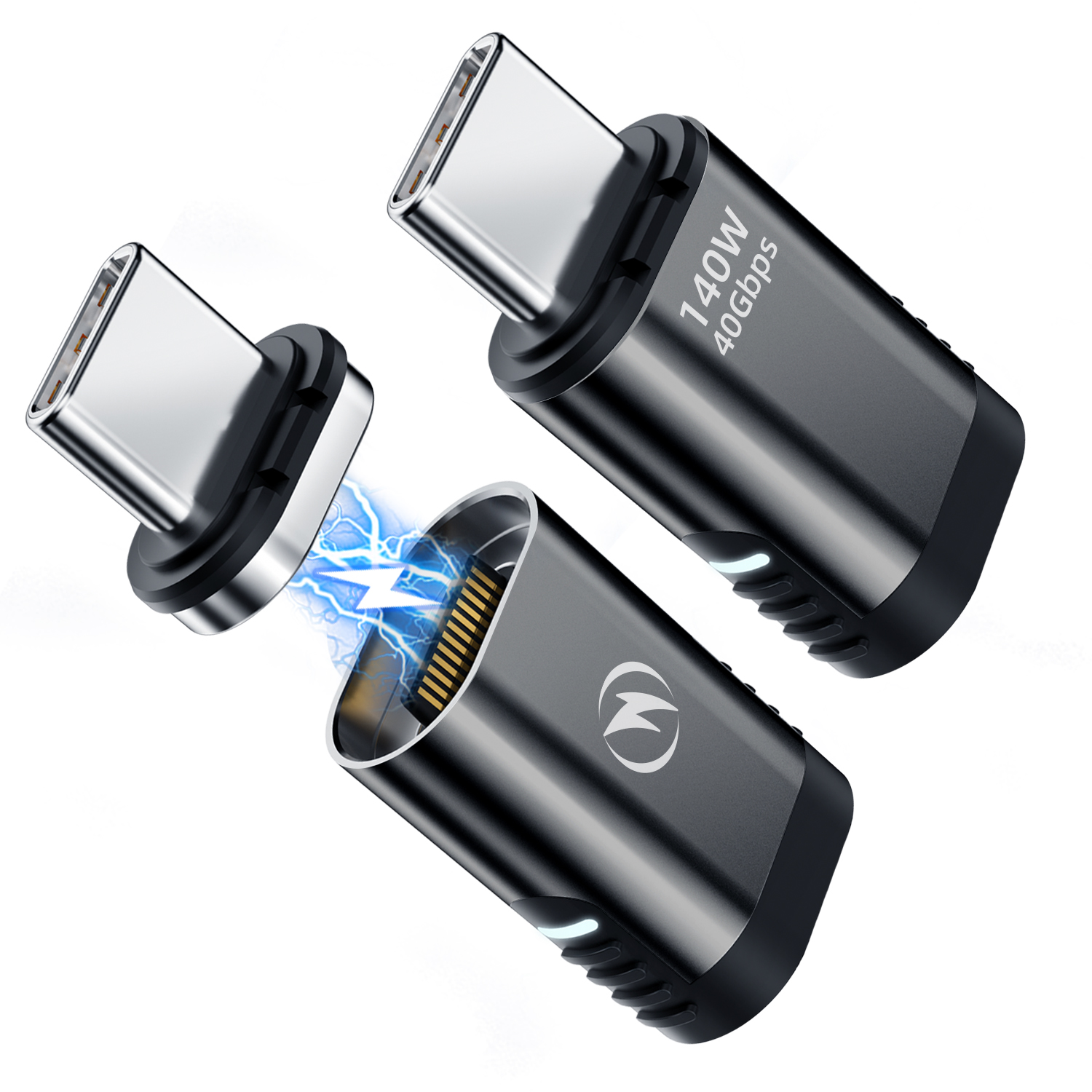
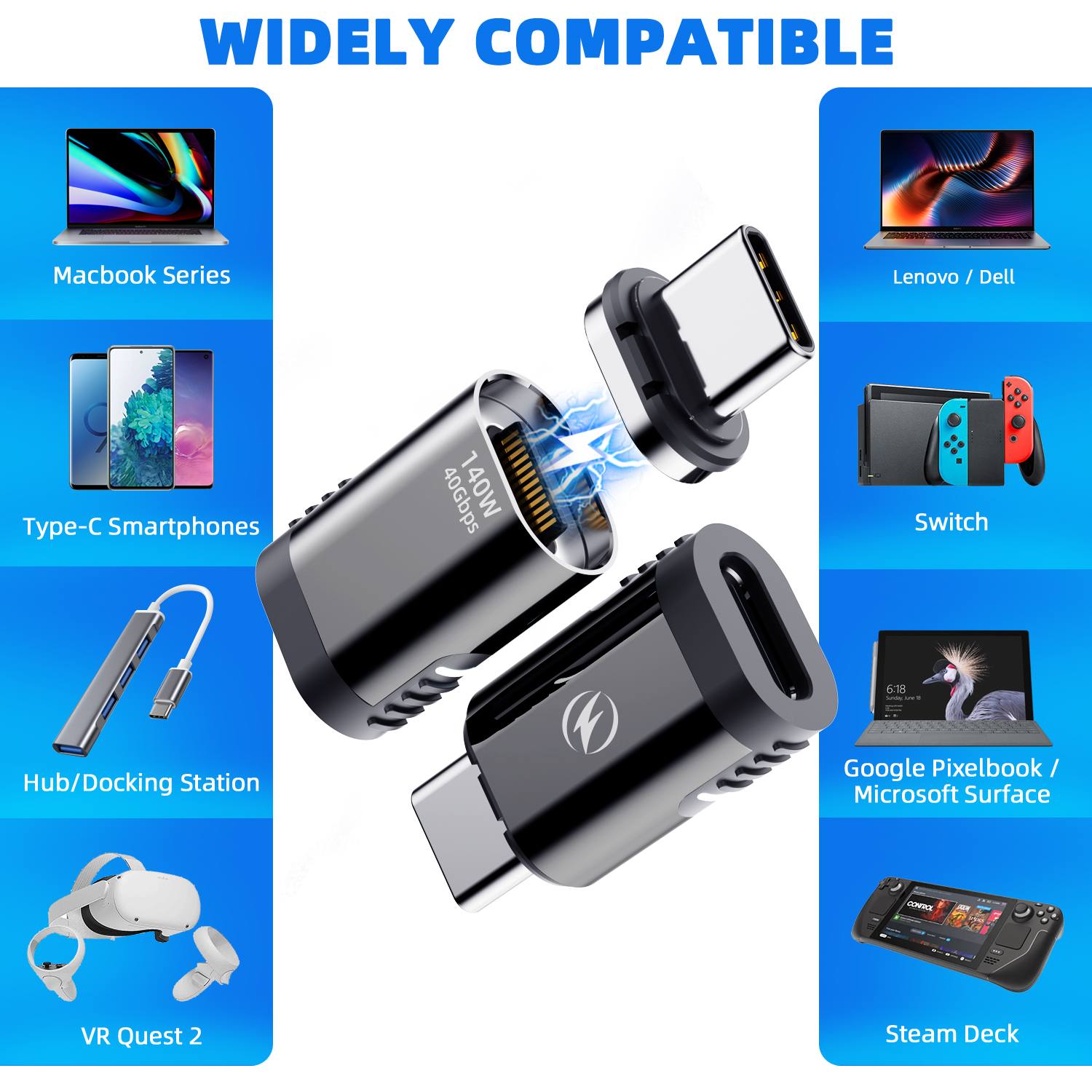
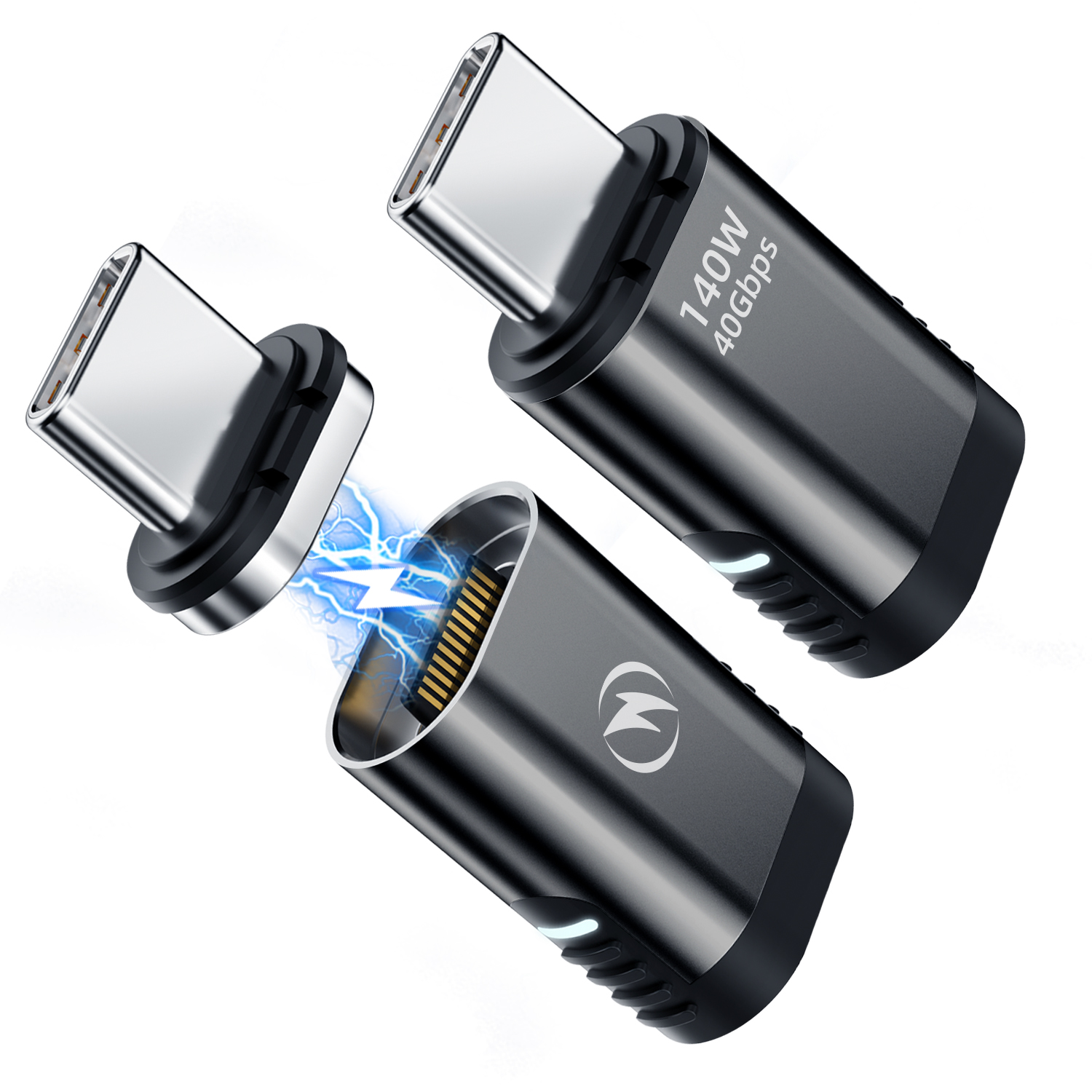
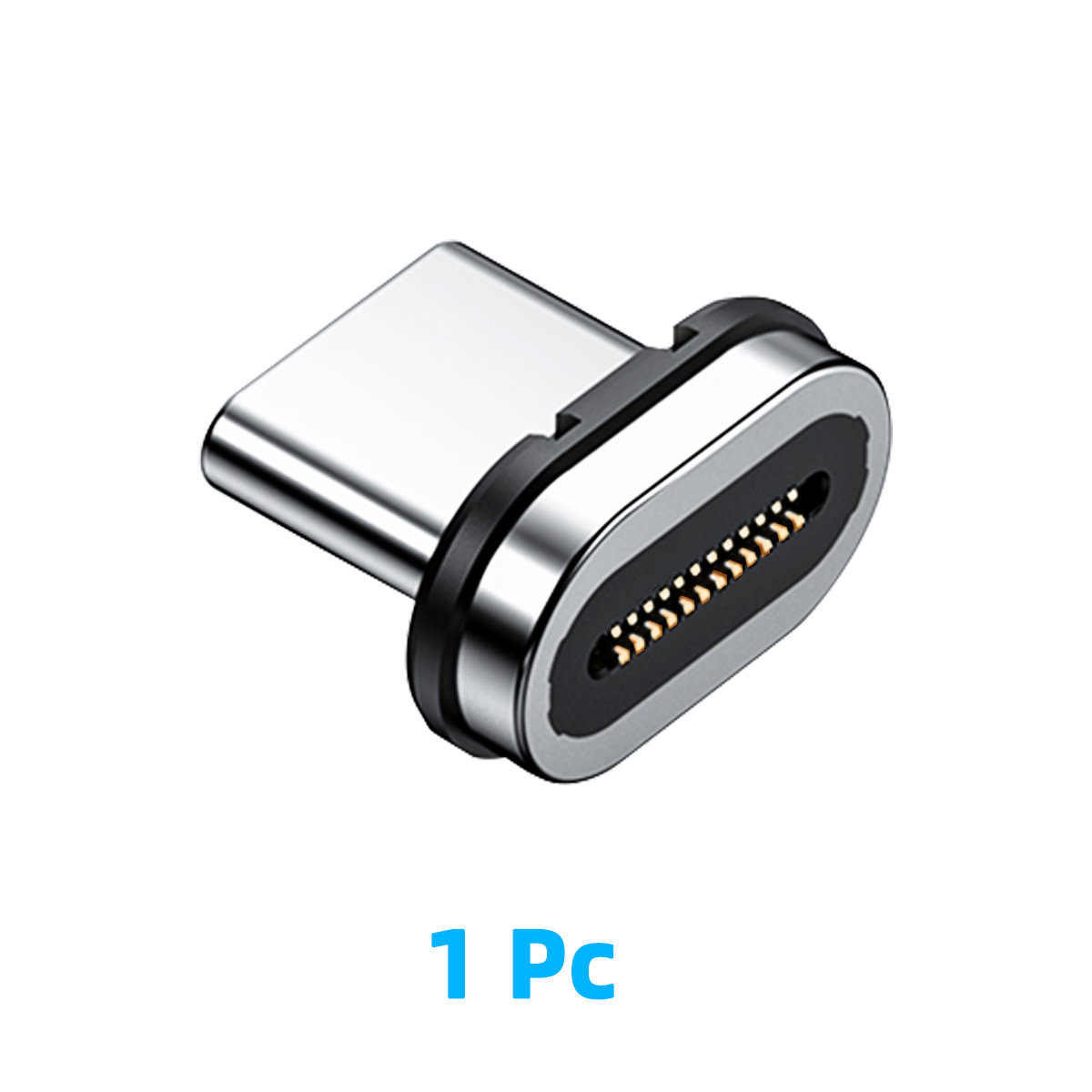
Magnetic USB-C adapter for lapdocks and docks. Instant 1-click connection protects your USB-C port. Supports Samsung DeX, Android Desktop Mode, PD charging and USB data.
Last items in stock

Hurry up! Only 2 item(s) left in Stock!
clear

Guarantee

You have 14 days to return the product if you are not satisfied.

Guarantee

You have 14 days to return the product if you are not satisfied.

clear

Payment Security

We work with the best payment partners to ensure your transactions are 100% secure.

Payment Security

We work with the best payment partners to ensure your transactions are 100% secure.

{"1": "

Vous connectez et d\u00e9connectez votre smartphone de votre lapdock des dizaines de fois par jour. Chaque insertion use le port USB-C. L'adaptateur magn\u00e9tique USB-C r\u00e8gle ce probl\u00e8me une bonne fois pour toutes : un clic, vous \u00eates connect\u00e9. Un geste, vous \u00eates libre.

\n\n

Cet adaptateur USB-C magn\u00e9tique est con\u00e7u pour les utilisateurs intensifs de lapdocks et de docks USB-C. Il prot\u00e8ge le port USB-C de votre smartphone tout en maintenant la compatibilit\u00e9 compl\u00e8te avec Samsung DeX, l'Android Desktop Mode et la charge USB-C Power Delivery.

\n\n

La connexion parfaite pour votre setup lapdock

\n

Pas de t\u00e2tonnement \u00e0 l'aveugle, pas d'usure des connecteurs, pas d'accidents. L'aimant guide le connecteur et l'assemblage se verrouille en un clic \u2014 m\u00eame dans le noir, m\u00eame en r\u00e9union, m\u00eame \u00e0 pleine vitesse.

\n\n
  • \n
  • Connexion magn\u00e9tique instantan\u00e9e \u2014 un clic et c'est branch\u00e9, m\u00eame sans regarder\n
  • Protection port USB-C \u2014 r\u00e9duit drastiquement l'usure m\u00e9canique du connecteur de votre t\u00e9l\u00e9phone\n
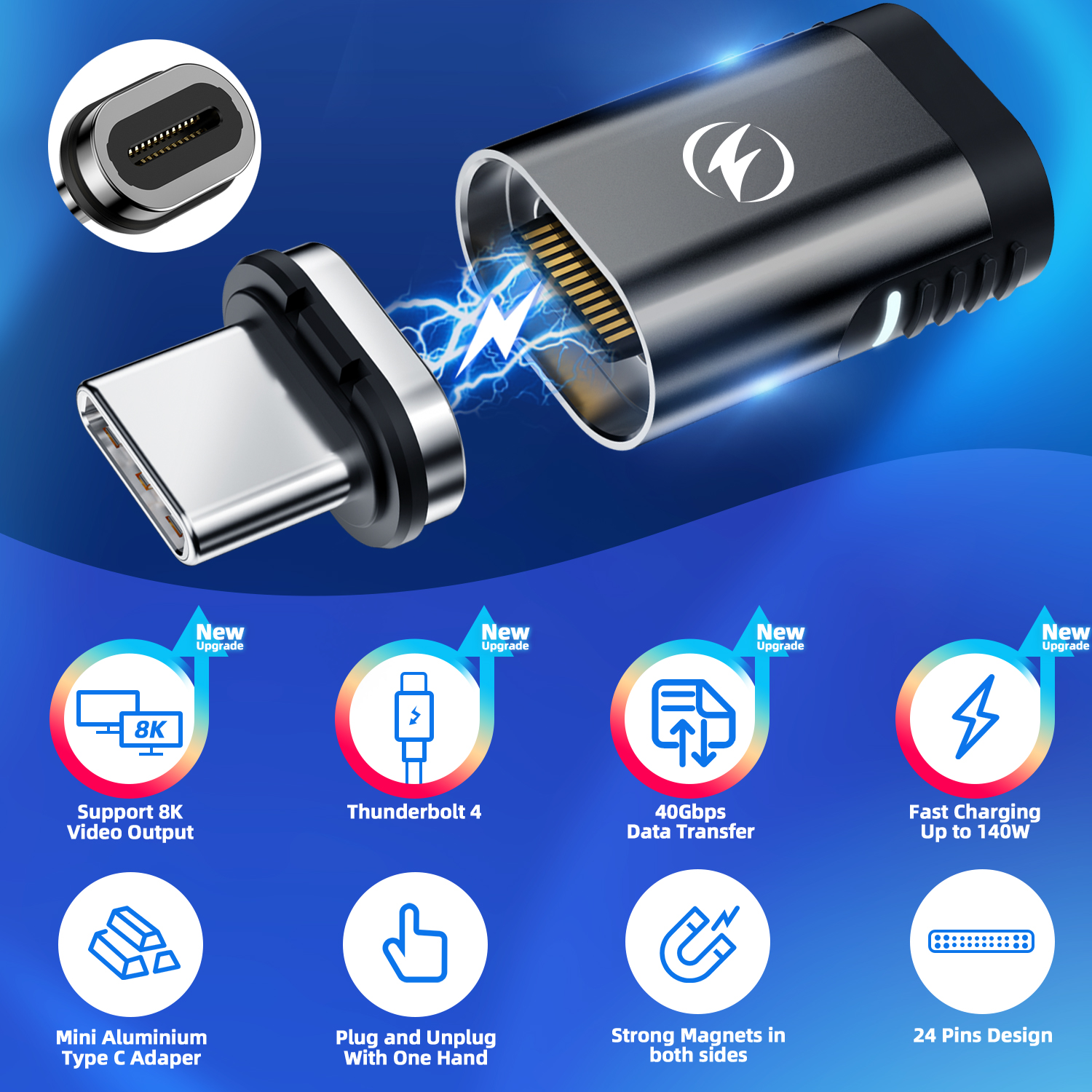
  • Compatible USB-C DisplayPort Alt Mode \u2014 laisse passer le signal vid\u00e9o pour Samsung DeX et Android Desktop Mode\n
  • Compatible charge USB-C PD \u2014 votre t\u00e9l\u00e9phone se recharge normalement via le connecteur magn\u00e9tique\n
  • Compatible donn\u00e9es USB \u2014 transfert de fichiers, acc\u00e8s stockage externe\n
  • D\u00e9branchez d'un geste \u2014 s\u00e9curis\u00e9 contre les tirs accidentels, r\u00e9siste aux tractions l\u00e9g\u00e8res\n
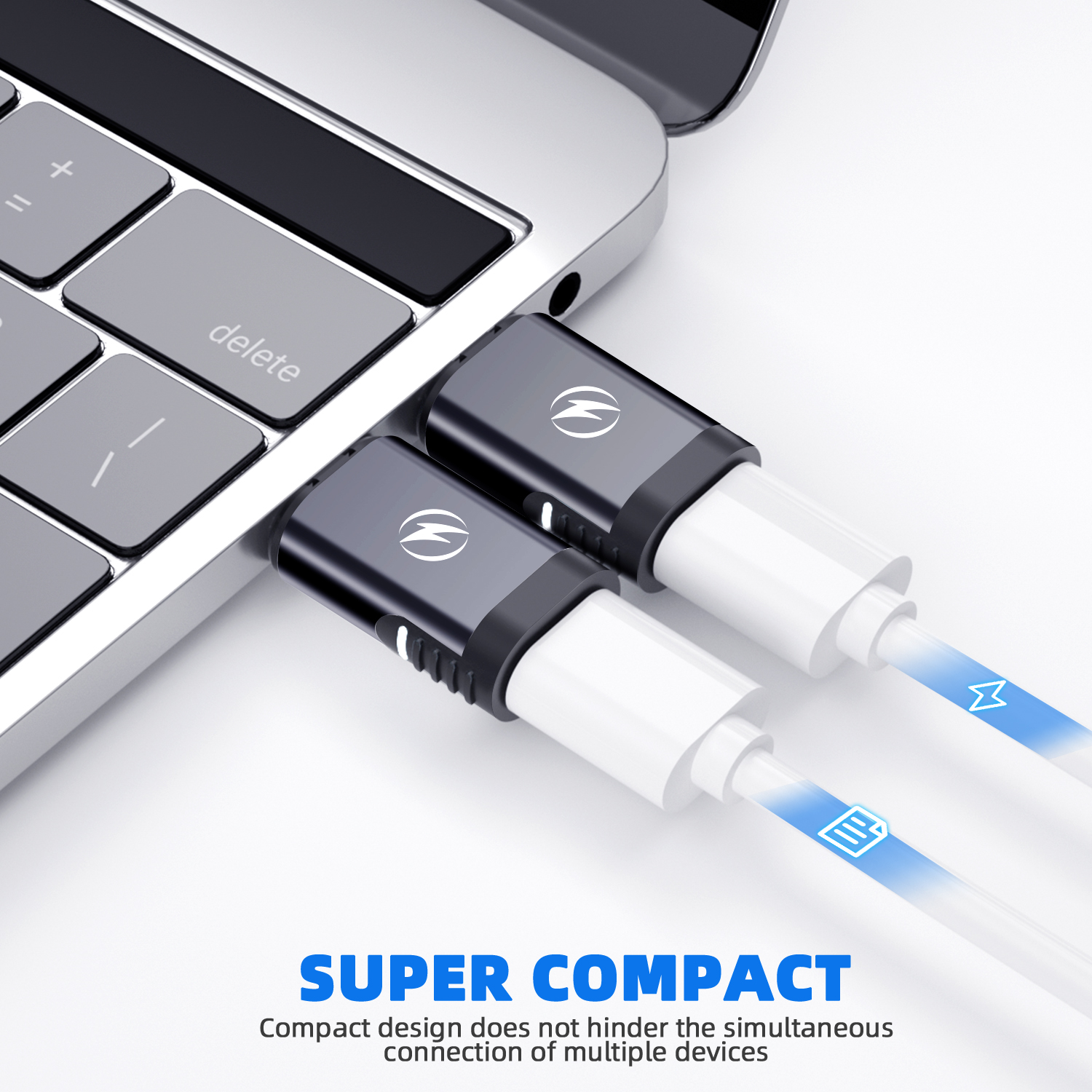
  • Compact et l\u00e9ger \u2014 reste dans votre port, invisible en utilisation normale\n
\n\n

Compatibilit\u00e9 lapdocks et docks

\n

Cet adaptateur est compatible avec :

\n
  • \n
  • Tous les lapdocks USB-C (NexDock, MiraBook, Uperfect, Superbook, Sentio\u2026)\n
  • Les docks USB-C (MiraDock, Station d'accueil USB-C\u2026)\n
  • Tous les hubs et adaptateurs USB-C avec DP Alt Mode\n
\n\n

Compatibilit\u00e9 smartphones pour Samsung DeX et Android Desktop Mode

\n
  • \n
  • Samsung Galaxy (DeX) \u2014 S8 \u00e0 S26 Ultra (2026), Note 8\u201320, Z Fold 1\u20138 Ultra (2026), Z Flip 8 (2026, si DP Alt Mode support\u00e9)\n
  • Google Pixel (Android Desktop Mode) \u2014 Pixel 8, 8 Pro, 9, 9 Pro, 9 Pro XL, 9 Pro Fold, 10, 10 Pro, 10 Pro XL, 10 Pro Fold\n
  • Motorola (Ready For) \u2014 Edge 30/40/50 Ultra, Razr Ultra, ThinkPhone\n
  • Huawei (EMUI Desktop) \u2014 Mate 20 Pro, P-series USB-C\n
  • iPad Pro / Air USB-C \u2014 affichage externe\n
  • PC / Mac USB-C \u2014 connexion rapide \u00e0 un dock ou moniteur\n
\n

\u2192 V\u00e9rifier la compatibilit\u00e9 DP Alt Mode de votre t\u00e9l\u00e9phone

\n\n

Pour qui est cet adaptateur ?

\n
  • \n
  • Utilisateurs quotidiens de lapdock \u2014 vous connectez/d\u00e9connectez plusieurs fois par jour\n
  • Digital nomads \u2014 finissez-en avec l'usure des ports en d\u00e9placement\n
  • T\u00e9l\u00e9travailleurs \u2014 transition bureau/lapdock/maison sans effort\n
  • Utilisateurs de Samsung DeX c\u00e2bl\u00e9 \u2014 connexion instantan\u00e9e \u00e0 votre setup DeX\n
\n\n

Sp\u00e9cifications techniques

\n
Type de connexionUSB-C magn\u00e9tique
Vid\u00e9o support\u00e9eUSB-C DisplayPort Alt Mode
Charge support\u00e9eUSB-C Power Delivery (PD)
Donn\u00e9esUSB 3.x data transfer
Compatibilit\u00e9Samsung DeX, Motorola Ready For, Android Desktop Mode, iPad
InstallationPlug & play \u2014 aucun pilote
\n\n

Questions fr\u00e9quentes

\n

Cet adaptateur est-il compatible avec Samsung DeX ?

\n

Oui, \u00e0 condition que votre Samsung Galaxy supporte DeX via USB-C c\u00e2bl\u00e9 et que votre lapdock/dock soit compatible DP Alt Mode. L'adaptateur magn\u00e9tique laisse passer le signal DisplayPort n\u00e9cessaire pour activer Samsung DeX.

\n\n

La charge fonctionne-t-elle via l'adaptateur magn\u00e9tique ?

\n

Oui. L'adaptateur est compatible USB-C Power Delivery. Votre t\u00e9l\u00e9phone se recharge normalement via le connecteur magn\u00e9tique lorsque le dock ou lapdock fournit de la charge PD.

\n\n

Y a-t-il une perte de qualit\u00e9 vid\u00e9o ?

\n

Non. L'adaptateur magn\u00e9tique laisse passer le signal DisplayPort Alt Mode sans perte de qualit\u00e9. Vous obtenez la m\u00eame r\u00e9solution qu'avec une connexion USB-C directe.

\n\n

L'adaptateur reste-t-il dans le port du t\u00e9l\u00e9phone en permanence ?

\n

La partie magn\u00e9tique (dongle) reste dans le port USB-C de votre t\u00e9l\u00e9phone. Le c\u00e2ble magn\u00e9tique se d\u00e9tache quand vous \u00e9loignez le t\u00e9l\u00e9phone du lapdock. C'est con\u00e7u pour rester en place sans g\u00eaner.

\n\n

Compatible avec les \u00e9tuis de t\u00e9l\u00e9phone ?

\n

D\u00e9pend de l'\u00e9paisseur de l'\u00e9tui. Les coques fines sont g\u00e9n\u00e9ralement compatibles. Les coques \u00e9paisses ou avec rebords pro\u00e9minents autour du port USB-C peuvent emp\u00eacher la connexion magn\u00e9tique.

\n\n

Compl\u00e9tez votre setup Mobile-Only : Guide complet des meilleurs accessoires Samsung DeX et lapdock 2026

", "2": "

You plug and unplug your smartphone from your lapdock dozens of times a day. Every insertion wears down your USB-C port. The magnetic USB-C adapter solves this once and for all: one click, you\u2019re connected. One move, you\u2019re free.

\n\n

This magnetic USB-C adapter is built for heavy users of lapdocks and USB-C docks. It protects your smartphone\u2019s USB-C port while maintaining full compatibility with Samsung DeX, Android Desktop Mode, and USB-C Power Delivery charging.

\n\n

The perfect connection for your lapdock setup

\n

No blind fumbling, no connector wear, no accidents. The magnet guides the connector and the assembly clicks into place in one movement \u2014 in the dark, in a meeting, at full speed.

\n\n
  • \n
  • Instant magnetic connection \u2014 one click and you\u2019re connected, without even looking\n
  • USB-C port protection \u2014 drastically reduces mechanical wear on your phone\u2019s connector\n
  • USB-C DisplayPort Alt Mode compatible \u2014 passes the video signal for Samsung DeX and Android Desktop Mode\n
  • USB-C PD charging compatible \u2014 your phone charges normally through the magnetic connector\n
  • USB data compatible \u2014 file transfers, external storage access\n
  • Disconnect in one move \u2014 secured against accidental pulls, resists light tension\n
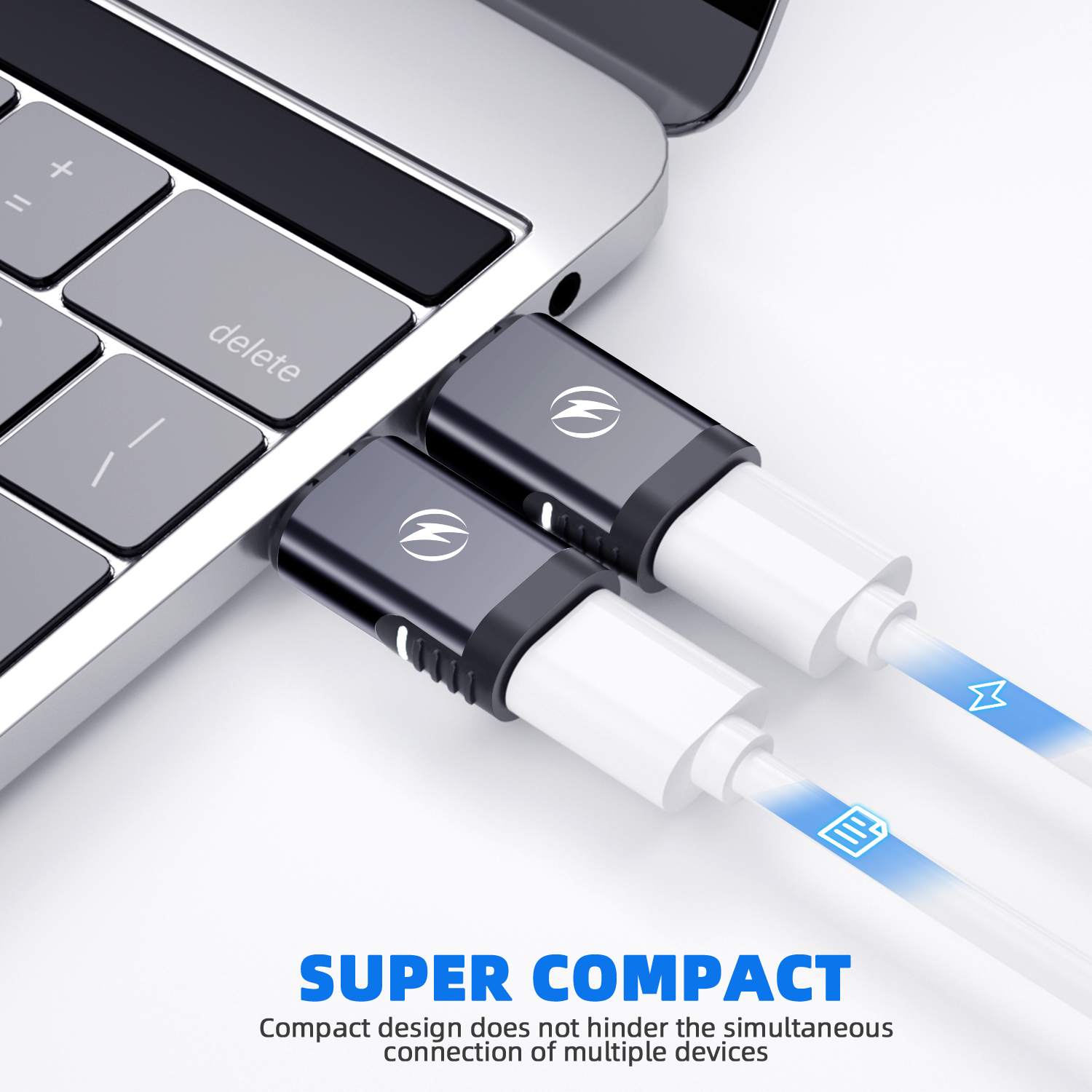
  • Compact and lightweight \u2014 stays in your port, invisible during normal use\n
\n\n

Lapdock and dock compatibility

\n

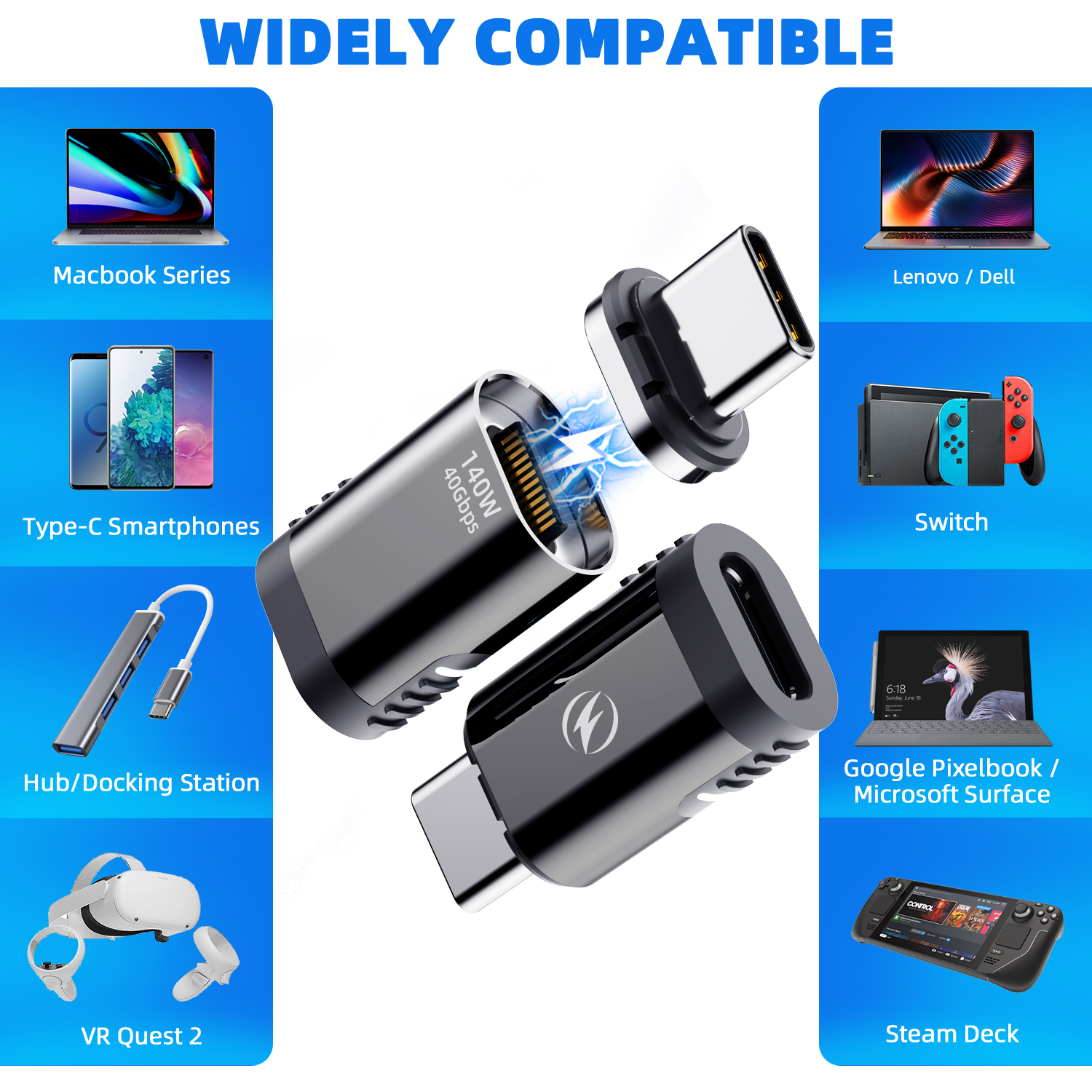
This adapter works with:

\n
  • \n
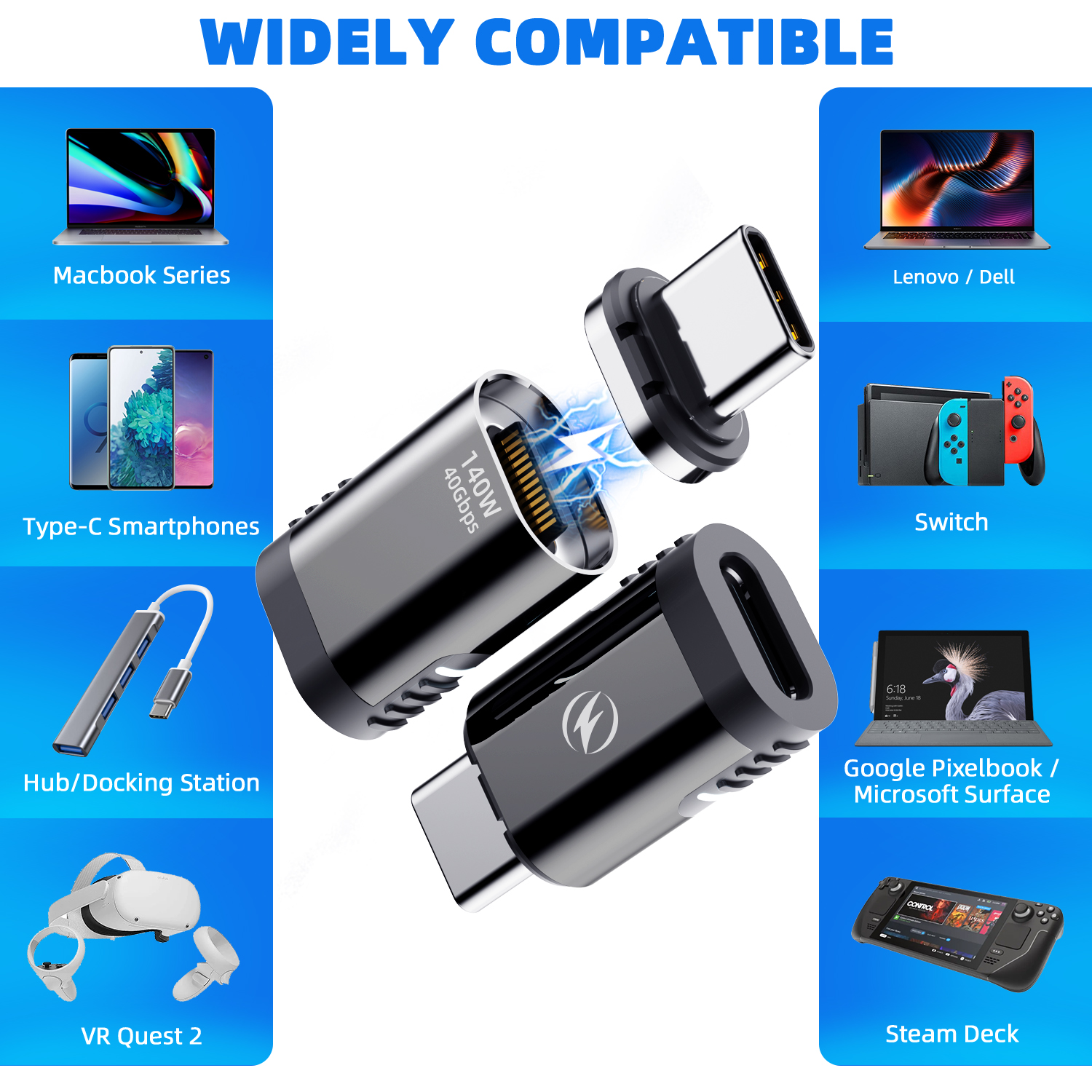
  • All USB-C lapdocks (NexDock, MiraBook, Uperfect, Superbook, Sentio\u2026)\n
  • USB-C docks (MiraDock, USB-C docking stations\u2026)\n
  • All USB-C hubs and adapters with DP Alt Mode\n
\n\n

Smartphone compatibility for Samsung DeX and Android Desktop Mode

\n
  • \n
  • Samsung Galaxy (DeX) \u2014 S8 to S26 Ultra (2026), Note 8\u201320, Z Fold 1\u20138 Ultra (2026), Z Flip 8 (2026, if DP Alt Mode supported)\n
  • Google Pixel (Android Desktop Mode) \u2014 Pixel 8, 8 Pro, 9, 9 Pro, 9 Pro XL, 9 Pro Fold, 10, 10 Pro, 10 Pro XL, 10 Pro Fold\n
  • Motorola (Ready For) \u2014 Edge 30/40/50 Ultra, Razr Ultra, ThinkPhone\n
  • Huawei (EMUI Desktop) \u2014 Mate 20 Pro, P-series USB-C\n
  • iPad Pro / Air USB-C \u2014 external display\n
  • PC / Mac USB-C \u2014 quick connect to a dock or monitor\n
\n

\u2192 Check your phone\u2019s DP Alt Mode compatibility

\n\n

Who is this adapter for?

\n
  • \n
  • Daily lapdock users \u2014 you connect and disconnect multiple times a day\n
  • Digital nomads \u2014 stop wearing out ports while travelling\n
  • Remote workers \u2014 effortless transition between office, lapdock, and home\n
  • Wired Samsung DeX users \u2014 instant connection to your DeX setup\n
\n\n

Technical specifications

\n
Connection typeMagnetic USB-C
VideoUSB-C DisplayPort Alt Mode
ChargingUSB-C Power Delivery (PD)
DataUSB 3.x data transfer
CompatibilitySamsung DeX, Motorola Ready For, Android Desktop Mode, iPad
SetupPlug & play \u2014 no drivers required
\n\n

Frequently asked questions

\n

Is this adapter compatible with Samsung DeX?

\n

Yes, provided your Samsung Galaxy supports wired DeX over USB-C and your lapdock or dock supports DP Alt Mode. The magnetic adapter passes the DisplayPort signal needed to activate Samsung DeX.

\n\n

Does charging work through the magnetic adapter?

\n

Yes. The adapter supports USB-C Power Delivery. Your phone charges normally through the magnetic connector when the dock or lapdock supplies PD charging.

\n\n

Is there any video quality loss?

\n

No. The magnetic adapter passes the DisplayPort Alt Mode signal without any quality loss. You get the same resolution as a direct USB-C connection.

\n\n

Does the adapter stay in the phone\u2019s port permanently?

\n

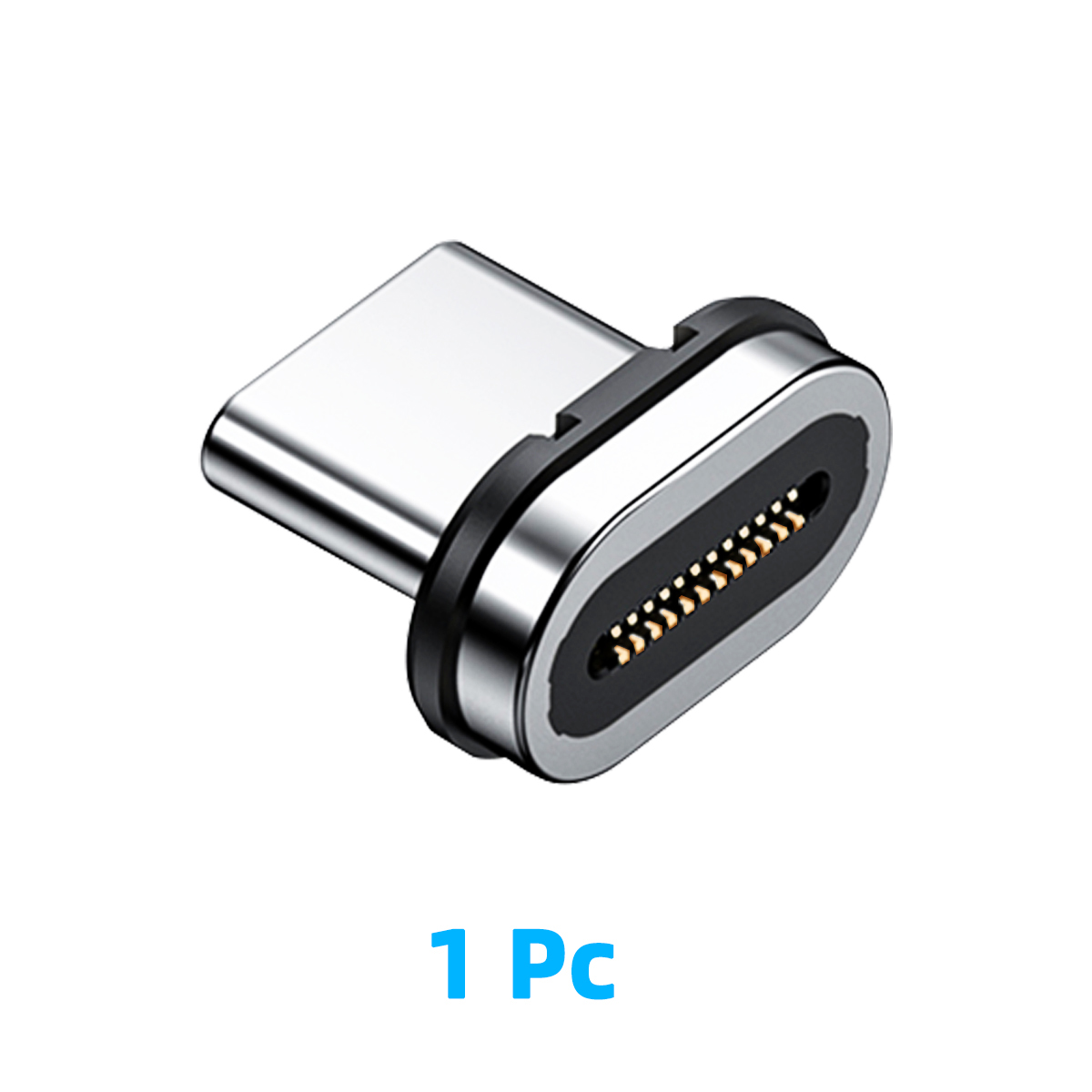
The magnetic part (dongle) stays in your phone\u2019s USB-C port. The magnetic cable detaches when you move the phone away from the lapdock. It\u2019s designed to stay in place without getting in the way.

\n\n

Compatible with phone cases?

\n

It depends on the case thickness. Slim cases are generally compatible. Thick cases or those with prominent edges around the USB-C port may block the magnetic connection.

\n\n

Complete your Mobile-Only setup: Complete guide to the best Samsung DeX and lapdock accessories 2026

", "3": "

Sie verbinden und trennen Ihr Smartphone t\u00e4glich dutzende Male vom Lapdock. Jedes Einstecken beansprucht den USB-C Anschluss. Der magnetische USB-C Adapter l\u00f6st dieses Problem ein f\u00fcr alle Mal: ein Klick, verbunden. Eine Bewegung, frei.

\n\n

Dieser magnetische USB-C Adapter wurde f\u00fcr intensive Nutzer von Lapdocks und USB-C Docks entwickelt. Er sch\u00fctzt den USB-C Anschluss Ihres Smartphones und bleibt vollst\u00e4ndig kompatibel mit Samsung DeX, dem Android Desktop Mode und USB-C Power Delivery Laden.

\n\n

Die perfekte Verbindung f\u00fcr Ihr Lapdock-Setup

\n

Kein blindes Tasten, kein Verschlei\u00df der Stecker, keine Unf\u00e4lle. Der Magnet f\u00fchrt den Stecker, die Verbindung rastet mit einem Klick ein \u2013 im Dunkeln, im Meeting, in vollem Tempo.

\n\n
  • \n
  • Sofortige magnetische Verbindung \u2014 ein Klick und Sie sind verbunden, auch ohne hinzuschauen\n
  • USB-C Port-Schutz \u2014 reduziert den mechanischen Verschlei\u00df des Anschlusses erheblich\n
  • Kompatibel mit USB-C DisplayPort Alt Mode \u2014 \u00fcbertr\u00e4gt das Videosignal f\u00fcr Samsung DeX und Android Desktop Mode\n
  • Kompatibel mit USB-C PD-Laden \u2014 Ihr Smartphone l\u00e4dt normal \u00fcber den magnetischen Stecker\n
  • USB-Daten\u00fcbertragung \u2014 Dateitransfer, Zugriff auf externe Speicher\n
  • Trennen mit einer Bewegung \u2014 gesichert gegen versehentliches L\u00f6sen, widersteht leichtem Zug\n
  • Kompakt und leicht \u2014 verbleibt im Port, im Alltag kaum sichtbar\n
\n\n

Kompatibilit\u00e4t mit Lapdocks und Docks

\n

Dieser Adapter ist kompatibel mit:

\n
  • \n
  • Allen USB-C Lapdocks (NexDock, MiraBook, Uperfect, Superbook, Sentio\u2026)\n
  • USB-C Docks (MiraDock, USB-C Dockingstationen\u2026)\n
  • Allen USB-C Hubs und Adaptern mit DP Alt Mode\n
\n\n

Smartphone-Kompatibilit\u00e4t f\u00fcr Samsung DeX und Android Desktop Mode

\n
  • \n
  • Samsung Galaxy (DeX) \u2014 S8 bis S26 Ultra (2026), Note 8\u201320, Z Fold 1\u20138 Ultra (2026), Z Flip 8 (2026, falls DP Alt Mode unterst\u00fctzt)\n
  • Google Pixel (Android Desktop-Modus) \u2014 Pixel 8, 8 Pro, 9, 9 Pro, 9 Pro XL, 9 Pro Fold, 10, 10 Pro, 10 Pro XL, 10 Pro Fold\n
  • Motorola (Ready For) \u2014 Edge 30/40/50 Ultra, Razr Ultra, ThinkPhone\n
  • Huawei (EMUI Desktop) \u2014 Mate 20 Pro, P-Series USB-C\n
  • iPad Pro / Air USB-C \u2014 externer Bildschirm\n
  • PC / Mac USB-C \u2014 schnelle Verbindung zu Dock oder Monitor\n
\n

\u2192 DP Alt Mode Kompatibilit\u00e4t Ihres Smartphones pr\u00fcfen

\n\n

F\u00fcr wen ist dieser Adapter geeignet?

\n
  • \n
  • T\u00e4gliche Lapdock-Nutzer \u2014 Sie verbinden und trennen mehrmals t\u00e4glich\n
  • Digital Nomads \u2014 Schluss mit Port-Verschlei\u00df unterwegs\n
  • Remote Worker \u2014 m\u00fcheloser Wechsel zwischen B\u00fcro, Lapdock und Zuhause\n
  • Kabelgebundene Samsung DeX Nutzer \u2014 sofortige Verbindung zu Ihrem DeX-Setup\n
\n\n

Technische Daten

\n
VerbindungstypMagnetisch USB-C
VideoUSB-C DisplayPort Alt Mode
LadenUSB-C Power Delivery (PD)
DatenUSB 3.x Daten\u00fcbertragung
Kompatibilit\u00e4tSamsung DeX, Motorola Ready For, Android Desktop Mode, iPad
InstallationPlug & Play \u2014 kein Treiber erforderlich
\n\n

H\u00e4ufige Fragen

\n

Ist dieser Adapter kompatibel mit Samsung DeX?

\n

Ja, vorausgesetzt Ihr Samsung Galaxy unterst\u00fctzt kabelgebundenes DeX \u00fcber USB-C und Ihr Lapdock/Dock ist DP Alt Mode kompatibel. Der magnetische Adapter \u00fcbertr\u00e4gt das DisplayPort-Signal, das f\u00fcr die Aktivierung von Samsung DeX ben\u00f6tigt wird.

\n\n

Funktioniert das Laden \u00fcber den magnetischen Adapter?

\n

Ja. Der Adapter unterst\u00fctzt USB-C Power Delivery. Ihr Smartphone l\u00e4dt normal \u00fcber den magnetischen Stecker, wenn das Dock oder der Lapdock PD-Laden unterst\u00fctzt.

\n\n

Gibt es Qualit\u00e4tsverluste beim Videosignal?

\n

Nein. Der magnetische Adapter \u00fcbertr\u00e4gt das DisplayPort Alt Mode Signal ohne Qualit\u00e4tsverlust. Sie erhalten die gleiche Aufl\u00f6sung wie bei einer direkten USB-C Verbindung.

\n\n

Bleibt der Adapter dauerhaft im Smartphone-Port?

\n

Der magnetische Teil (Dongle) verbleibt im USB-C Port Ihres Smartphones. Das magnetische Kabel l\u00f6st sich, wenn Sie das Smartphone vom Lapdock entfernen. Er ist so konzipiert, dass er st\u00f6rungsfrei im Port bleibt.

\n\n

Kompatibel mit Smartphone-H\u00fcllen?

\n

Das h\u00e4ngt von der H\u00fcllendicke ab. D\u00fcnne Cases sind in der Regel kompatibel. Dicke Cases oder solche mit ausgepr\u00e4gten R\u00e4ndern um den USB-C Port k\u00f6nnen die magnetische Verbindung behindern.

\n\n

Vervollst\u00e4ndigen Sie Ihr Mobile-Only Setup: Vollst\u00e4ndiger Leitfaden zu den besten Samsung DeX und Lapdock Zubeh\u00f6rteilen 2026

", "5": "

Colleghi e scolleghi il tuo smartphone dal lapdock decine di volte al giorno. Ogni inserimento logora la porta USB-C. L'adattatore USB-C magnetico risolve il problema una volta per tutte: un clic, sei connesso. Un gesto, sei libero.

\n\n

Questo adattatore USB-C magnetico \u00e8 progettato per gli utenti intensivi di lapdock e dock USB-C. Protegge la porta USB-C del tuo smartphone mantenendo la piena compatibilit\u00e0 con Samsung DeX, l'Android Desktop Mode e la ricarica USB-C Power Delivery.

\n\n

La connessione perfetta per il tuo setup lapdock

\n

Nessun tentativo alla cieca, nessuna usura dei connettori, nessun incidente. Il magnete guida il connettore e l'assemblaggio si blocca con un clic \u2014 anche al buio, anche in riunione, anche alla massima velocit\u00e0.

\n\n
  • \n
  • Connessione magnetica istantanea \u2014 un clic e sei connesso, anche senza guardare\n
  • Protezione porta USB-C \u2014 riduce drasticamente l'usura meccanica del connettore del tuo telefono\n
  • Compatibile con USB-C DisplayPort Alt Mode \u2014 trasmette il segnale video per Samsung DeX e Android Desktop Mode\n
  • Compatibile con ricarica USB-C PD \u2014 il tuo telefono si ricarica normalmente attraverso il connettore magnetico\n
  • Compatibile con dati USB \u2014 trasferimento file, accesso a storage esterno\n
  • Scollega con un gesto \u2014 sicuro contro sconnessioni accidentali, resiste a leggere trazioni\n
  • Compatto e leggero \u2014 rimane nella porta, invisibile nell'uso quotidiano\n
\n\n

Compatibilit\u00e0 lapdock e dock

\n

Questo adattatore \u00e8 compatibile con:

\n
  • \n
  • Tutti i lapdock USB-C (NexDock, MiraBook, Uperfect, Superbook, Sentio\u2026)\n
  • I dock USB-C (MiraDock, docking station USB-C\u2026)\n
  • Tutti gli hub e adattatori USB-C con DP Alt Mode\n
\n\n

Compatibilit\u00e0 smartphone per Samsung DeX e Android Desktop Mode

\n
  • \n
  • Samsung Galaxy (DeX) \u2014 S8 fino a S26 Ultra (2026), Note 8\u201320, Z Fold 1\u20138 Ultra (2026), Z Flip 8 (2026, se DP Alt Mode supportato)\n
  • Google Pixel (Android Desktop Mode) \u2014 Pixel 8, 8 Pro, 9, 9 Pro, 9 Pro XL, 9 Pro Fold, 10, 10 Pro, 10 Pro XL, 10 Pro Fold\n
  • Motorola (Ready For) \u2014 Edge 30/40/50 Ultra, Razr Ultra, ThinkPhone\n
  • Huawei (EMUI Desktop) \u2014 Mate 20 Pro, P-series USB-C\n
  • iPad Pro / Air USB-C \u2014 display esterno\n
  • PC / Mac USB-C \u2014 connessione rapida a un dock o monitor\n
\n

\u2192 Verifica la compatibilit\u00e0 DP Alt Mode del tuo telefono

\n\n

Per chi \u00e8 questo adattatore?

\n
  • \n
  • Utenti quotidiani di lapdock \u2014 colleghi e scolleghi pi\u00f9 volte al giorno\n
  • Digital nomad \u2014 finiscila con l'usura delle porte in viaggio\n
  • Smart worker \u2014 transizione ufficio/lapdock/casa senza sforzo\n
  • Utenti Samsung DeX via cavo \u2014 connessione istantanea al tuo setup DeX\n
\n\n

Specifiche tecniche

\n
Tipo di connessioneUSB-C magnetico
Video supportatoUSB-C DisplayPort Alt Mode
Ricarica supportataUSB-C Power Delivery (PD)
DatiUSB 3.x data transfer
Compatibilit\u00e0Samsung DeX, Motorola Ready For, Android Desktop Mode, iPad
InstallazionePlug & play \u2014 nessun driver
\n\n

Domande frequenti

\n

Questo adattatore \u00e8 compatibile con Samsung DeX?

\n

S\u00ec, a condizione che il tuo Samsung Galaxy supporti DeX via USB-C cablato e che il tuo lapdock/dock sia compatibile con DP Alt Mode. L'adattatore magnetico trasmette il segnale DisplayPort necessario per attivare Samsung DeX.

\n\n

La ricarica funziona tramite l'adattatore magnetico?

\n

S\u00ec. L'adattatore \u00e8 compatibile con USB-C Power Delivery. Il tuo telefono si ricarica normalmente tramite il connettore magnetico quando il dock o lapdock fornisce la ricarica PD.

\n\n

C'\u00e8 perdita di qualit\u00e0 video?

\n

No. L'adattatore magnetico trasmette il segnale DisplayPort Alt Mode senza perdita di qualit\u00e0. Ottieni la stessa risoluzione di una connessione USB-C diretta.

\n\n

L'adattatore rimane permanentemente nella porta del telefono?

\n

La parte magnetica (dongle) rimane nella porta USB-C del tuo telefono. Il cavo magnetico si stacca quando allontani il telefono dal lapdock. \u00c8 progettato per rimanere in posizione senza dare fastidio.

\n\n

Compatibile con le cover del telefono?

\n

Dipende dallo spessore della cover. Le cover sottili sono generalmente compatibili. Le cover spesse o con bordi prominenti intorno alla porta USB-C possono impedire la connessione magnetica.

\n\n

Completa il tuo setup Mobile-Only: Guida completa ai migliori accessori Samsung DeX e lapdock 2026

"}
2 Items

Data sheet

Caractéristique
40Gb/s / 140w / 8K / Thunderbolt 4
Type
Adaptator
Standard
USB 3.1

Specific References

Product Packaging

Package width
5
Package height
2
Package length
10
Gross weight
0.015
Package type
Product unit
100000015